Stage 8: Spend Your Cookies
Keep your Scratch project tab open every session. Open in a new tab so you don’t leave the course.
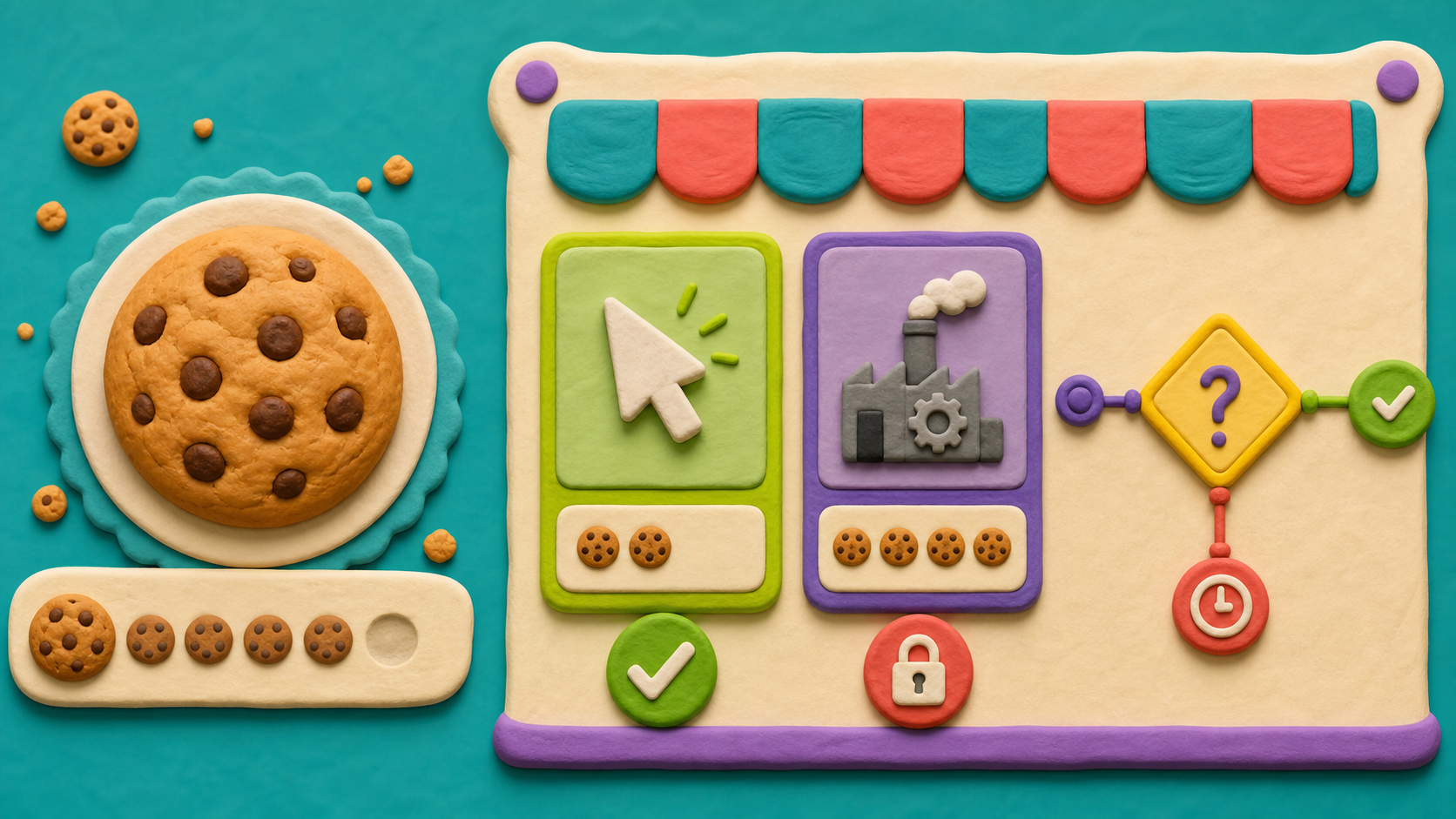
an upgrade button that costs cookies and makes each click worth more
how if/then lets the app make a decision
a clicker with a real upgrade you have to save up for
Show the decision happening, slowly:
- Make a second variable, clickPower, set to 1 on the green flag.
- Change the cookie's click to change [cookies] by (clickPower) — a variable feeding a variable. Pause here and explain it.
- Add an Upgrade sprite. Its click:
if <(cookies) > (9)> then→ change [cookies] by (-10) → change [clickPower] by (1). - Play: click to 10, buy the upgrade, watch cookies jump by 2 per click now. Then try to buy with only 3 cookies — nothing happens, because the if said no.
The big idea
A clicker gets boring if every click is worth the same forever. Real clicker games hook you with upgrades — spend what you've earned to earn faster. To build one, the app has to make a decision: do you have enough cookies to afford this?
The decision block is if/then. It checks a question, and only runs its blocks if the answer is yes:
if you have more than 9 cookies, then sell the upgrade.
If you don't have enough, the if quietly does nothing — exactly what a store should do when you can't pay.
We also add a second variable, clickPower, for how much each click is worth. The cookie's click becomes change [cookies] by (clickPower) — a variable feeding a variable. Buying the upgrade does two things: it spends cookies (change by -10) and it raises clickPower (change by 1), so every future click is worth more.
A condition is the yes-or-no question inside the if — here, cookies > 9. The > is the "greater than" block from Operators.
- if/then
- a block that runs its blocks only if a question is true
- condition
- the yes-or-no question inside an if block
- greater than (>)
- an operator that checks if one number is bigger
- clickPower
- a variable for how many cookies each click is worth
- afford
- to have enough of something to pay for it
Stage 7 should be done — you have a cookie that adds to a cookies score on each click, and resets to 0 on the green flag.
Build it
Step 1 — Make the clickPower variable
In Variables, click Make a Variable and name it clickPower. On the cookie sprite, set it up on the green flag next to your reset:
Start with click power of 1
when green flag clicked
set [cookies v] to (0)
set [clickPower v] to (1)
Step 2 — Make each click use clickPower
Change the cookie's click block so it adds clickPower instead of a flat 1:
Each click is worth clickPower
when this sprite clicked
change [cookies v] by (clickPower)
To build it: drag change [cookies] by (1), then drag the clickPower variable (from Variables) right into the number slot, on top of the 1.
A variable feeding a variable — the big leap
Look closely: change [cookies] by (clickPower) uses one variable to change another. The amount you add isn't a fixed number anymore — it's whatever clickPower happens to be right now. Start with clickPower = 1 and each click adds 1. After an upgrade makes clickPower = 2, the exact same block now adds 2. You didn't change the block; you changed the value it reads. This is the most powerful idea in the whole course — code that behaves differently as your numbers grow. Read it out loud: "change cookies by however much a click is worth."
Step 3 — Make the Upgrade button
Add a new sprite — Paint a button labeled Upgrade (10) or pick one. Rename it Upgrade and place it beside the cookie with a when green flag clicked → go to script.
Step 4 — Make the upgrade check if you can afford it
Here's the decision. On the Upgrade sprite:
Only sell if they can afford it
when this sprite clicked
if <(cookies) > (9)> then
change [cookies v] by (-10)
change [clickPower v] by (1)
end
How to build the condition:
- Drag an if ( ) then block (Control) under the click event.
- From Operators, drag the ( ) > ( ) block into the if's diamond slot.
- Put the cookies variable on the left of the >, and type 9 on the right.
Now the button reads: "if cookies is more than 9, then spend 10 and add 1 click power." (We check > 9 so you need at least 10.)
Step 5 — Play the loop
Press the green flag. Click the cookie until you have 10+. Click Upgrade. Watch: cookies drop by 10, and now each cookie click adds 2 instead of 1. Buy it again — clicks get even stronger.
Now try clicking Upgrade when you have only 3 cookies. Nothing happens — the if said no. Save your project.
Understand it
if/then is how software makes choices. Up to now your apps ran the same blocks every time, top to bottom. The if breaks that — it looks at a condition and decides whether to run its blocks at all. That single power, "do this only when that's true," is behind every menu, every login, every "are you sure?" in every app ever made.
The condition cookies > 9 is a yes-or-no question the app answers fresh each click. Right after you hit 10 cookies, the answer flips from no to yes, and the upgrade becomes buyable. You didn't tell the app when to allow it — you told it what to check, and it figures out the timing on its own. That's the difference between commanding step-by-step and writing a rule.
The deepest idea here is change [cookies] by (clickPower) — a variable changing by another variable. The block never changes, but its behavior grows as clickPower grows. This is why a tiny amount of code can power a game that keeps escalating: the numbers carry the progression, not new blocks. When you feel a clicker get faster and faster, this is the trick under the hood.
Try this
Try this
Three short thinking checks. Use evidence from the stage you just built.
You have 8 cookies and you click Upgrade. Predict: does anything happen? Now you have 12 and click it. Predict again. Try both. What number is the exact cutoff, and why is it 10 and not 9?
Change the upgrade cost from 9 to 49 (so you need 50 cookies). Does the game feel better with a cheap upgrade or an expensive one? Cheap = constant rewards; expensive = a big goal to grind toward. There's a real design tradeoff here.
Right now you have to click for every single cookie. In Stage 9 you'll add an auto-clicker that earns cookies on its own, on a timer. What kind of block do you think can make something happen over and over without you clicking?
Level up
Turn the upgrade into a design problem:
- Level 1 — Price test. Try a cost of 10, then 25. Which one feels better for a first upgrade?
- Level 2 — Feedback. Add the buzzer stretch so the player gets a response even when they cannot afford the upgrade.
- Level 3 — Choice. Add the Golden Cookie stretch so the player chooses between cheap and expensive upgrades.
Debug mission
Build the condition backwards once: if 9 > cookies then. Try to buy the upgrade with 10 cookies and watch it fail. Fix it so the variable is on the left: cookies > 9.
Test your stage
- You made a clickPower variable, set to 1 on the green flag.
- The cookie's click is change [cookies] by (clickPower).
- The Upgrade button uses
if <(cookies) > (9)> thento check you can afford it. - Buying spends 10 cookies (change by -10) and raises clickPower (change by 1).
- When you can't afford it, clicking Upgrade does nothing.
- You can explain why cookies > 9 means "at least 10 cookies."
- Your project is saved (File → Save Now).
- Design check. After buying once, do clicks clearly feel stronger? Watch the score jump by 2. If you can't tell, the upgrade isn't rewarding enough — try raising clickPower by 2 per buy.
If it breaks
- The upgrade works even when I have no cookies. The if condition is missing or empty. Check the diamond has the cookies > 9 block actually sitting in it, not an empty slot.
- The upgrade never works, even with lots of cookies. Two suspects: the > might be backwards (you wrote
9 > cookies), or the cost number is huge. Make sure it reads cookies > 9 in that order. - Clicks don't get stronger after upgrading. Your click block probably still says change [cookies] by (1) with a typed 1, not the clickPower variable. Drag the clickPower variable into that slot.
- My cookies went negative. The upgrade spent cookies you didn't have — usually the cost in the change by doesn't match the if check. If you require
> 9(10 cookies), spend-10, not more. - clickPower keeps growing but I never set it to 1. Add set [clickPower] to (1) on the green flag, or it starts at 0 and your clicks add nothing.
This is the hardest single stage in the course, and the hard part is change [cookies] by (clickPower) — a variable changing by another variable. Slow all the way down here. Read the block aloud as "change cookies by however much a click is worth right now." Have kids buy an upgrade and then watch one click jump by 2 — seeing the same block behave differently is the whole lesson. Don't move on until that clicks.
Build it in the four steps and test after each: variable made, click uses clickPower, button exists, if-check works. A kid who builds the whole thing before testing will have three possible bug sites at once.
The > order bug is common — 9 > cookies instead of cookies > 9. And the empty-diamond bug from any if block: the condition must actually be sitting in the slot. Walk the room and confirm every Upgrade button has a visible green operator block in its if.
Budget a snack break around minute 50; the back half is testing and tuning costs. The else buzzer medium stretch is a great teach for if/else and most kids can reach it. The second upgrade hard stretch is genuinely a design exercise — perfect for confident kids, and it directly sets up the Stage 10 jam.