Python 101
Beginner Python course
Python 101
Campers learn Python by building a space-crewmate Turtle game in Trinket — movement, tasks, score, a chaser, win and lose states, and a demo-ready final project.
What campers ship
Python through a game, not a syntax tour
Every lesson adds a visible system to the same Turtle project. Syntax appears because the game needs it, not as a worksheet.
A playable space-crewmate task game in Python Turtle
Movement, coordinates, functions, loops, lists, collision checks, score, and game states
A Trinket project students can save, remix, and demo
Project moments
Each stage makes the game more playable
Students learn Python ideas only when those ideas unlock the next part of the game.
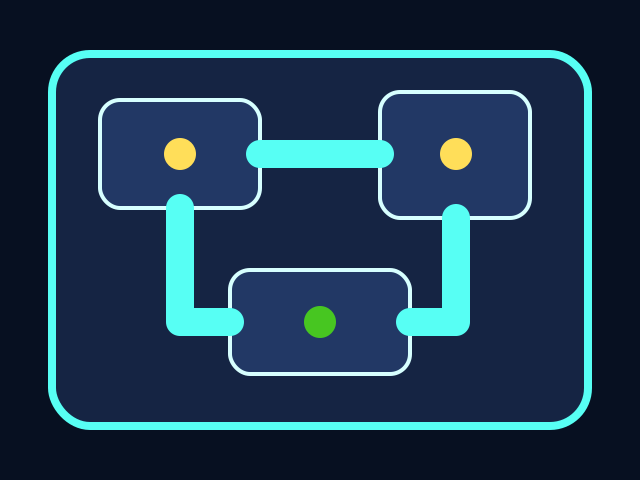
The ship has a map
The course starts with a coordinate map and named boundaries so every room, task, and character has a place.
The crewmate is drawn with code
Students use Turtle shapes, stamps, pens, and functions to build an original character they understand line by line.
Tasks create goals
Task stations turn movement into a game loop: visit stations, update progress, and make the HUD respond.
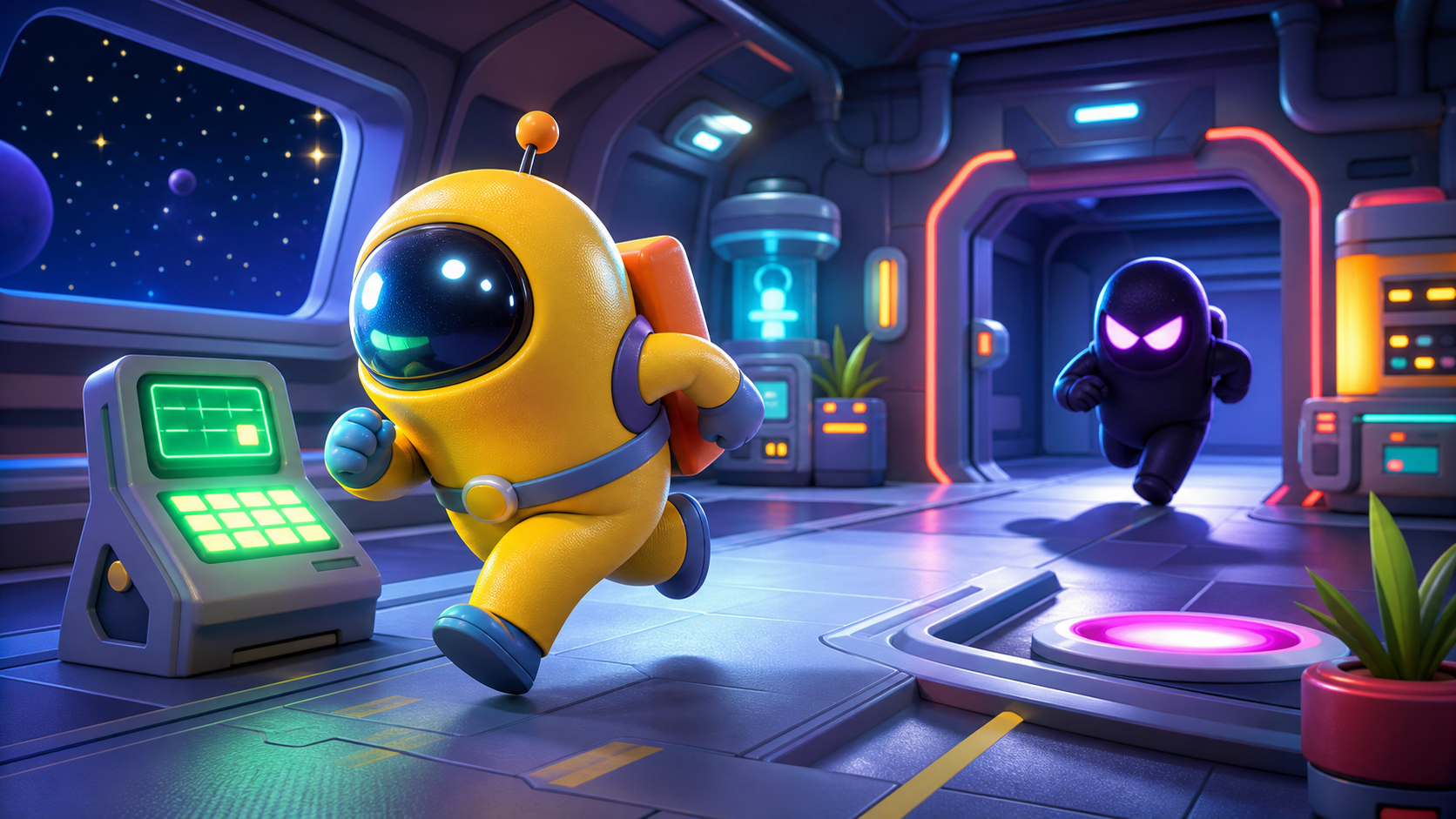
The chase creates stakes
A simple chaser introduces distance checks, conditions, and win/lose states without feeling like a syntax drill.
Course path
The game grows one system at a time
Each stage has code tasks, prediction checks, debugging support, and stretch challenges.
Build the Ship Screen
Open a Turtle screen, name the map edges, and draw the ship room.
Pick a ship themeStage 2Draw the Crewmate
Use Turtle code to draw a colorful crewmate-style player.
Custom suit colorsStage 3Move Through the Ship
Add arrow-key movement and boundary checks.
Smooth boost keyStage 4Add Tasks to Collect
Place task stations and detect when the player reaches them.
Hidden task roomStage 5Track Score and Progress
Add a HUD writer for task count and score.
Combo bonusStage 6Spawn the Chaser
Draw an impostor-style chaser with Turtle code.
Warning glowStage 7Make the Chaser Move
Use simple chase logic that moves toward the player.
Difficulty modesStage 8Win and Lose States
Detect capture, detect all tasks complete, and stop the round.
Emergency escapeStage 9Tune the Game Feel
Adjust speeds, task positions, colors, and readability.
Random task layoutStage 10Polish and Demo
Add instructions, final messages, restart guidance, and demo script.
Custom title cardFor camp flow
Project first, syntax second
Each stage default is enough to keep the game playable. Stretch challenges deepen the code only after the core game works.
What is Python?
Python is a programming language — a way of writing instructions a computer can follow, one line at a time. Each line is a small order: make a window, draw a circle here, if the player touches a task, add fifty to the score. Stack enough of those orders together and you have a game.
Python runs on every kind of computer: laptops, phones, web servers, even small robots. Animators at Pixar use it to script scenes, NASA uses it to plan space missions, and scientists use it to study climate. In this course, you'll use Python inside Trinket — a free coding website that opens right in your browser — to build a space-crewmate game called Crewmate Task Dash.
We're using Python because it reads more like instructions than like math. The ideas you'll meet here — variables, functions, loops, conditions, lists — are the same ideas behind every other programming language. Learn them in Python now, and JavaScript, Lua, and anything you try next will already feel familiar.
What changed?
Python 101 is now a project-first course. Instead of learning Python as a list of syntax topics, students build one game in Trinket: Crewmate Task Dash.
The project uses Python Turtle to draw a spaceship room, a crewmate-style player, task stations, a chaser, score, and win/lose states. Python concepts appear when the game needs them: coordinates, variables, functions, keyboard events, loops, lists, conditions, and collision checks.
The player moves through the ship, collects tasks, and avoids the chaser. All playable shapes are drawn with Python Turtle code.
5-day camp schedule
Each day is 3 hours. Total course time is 15 hours.
| Day | Course work | Total |
|---|---|---|
| 1 | Course Intro (30) · Setup (25) · Stage 1 (40) · Stage 2 (50) · Stage 3 start (35) | 180 min |
| 2 | Stage 3 finish (25) · Stage 4 (65) · Stage 5 (65) · buffer/playtest (25) | 180 min |
| 3 | Stage 6 (50) · Stage 7 (70) · Stage 8 start (60) | 180 min |
| 4 | Stage 8 finish (10) · Stage 9 (55) · tuning lab and stretch work (115) | 180 min |
| 5 | Stage 10 (50) · final playtest, save, and parent demo prep (130) | 180 min |
Asset approach
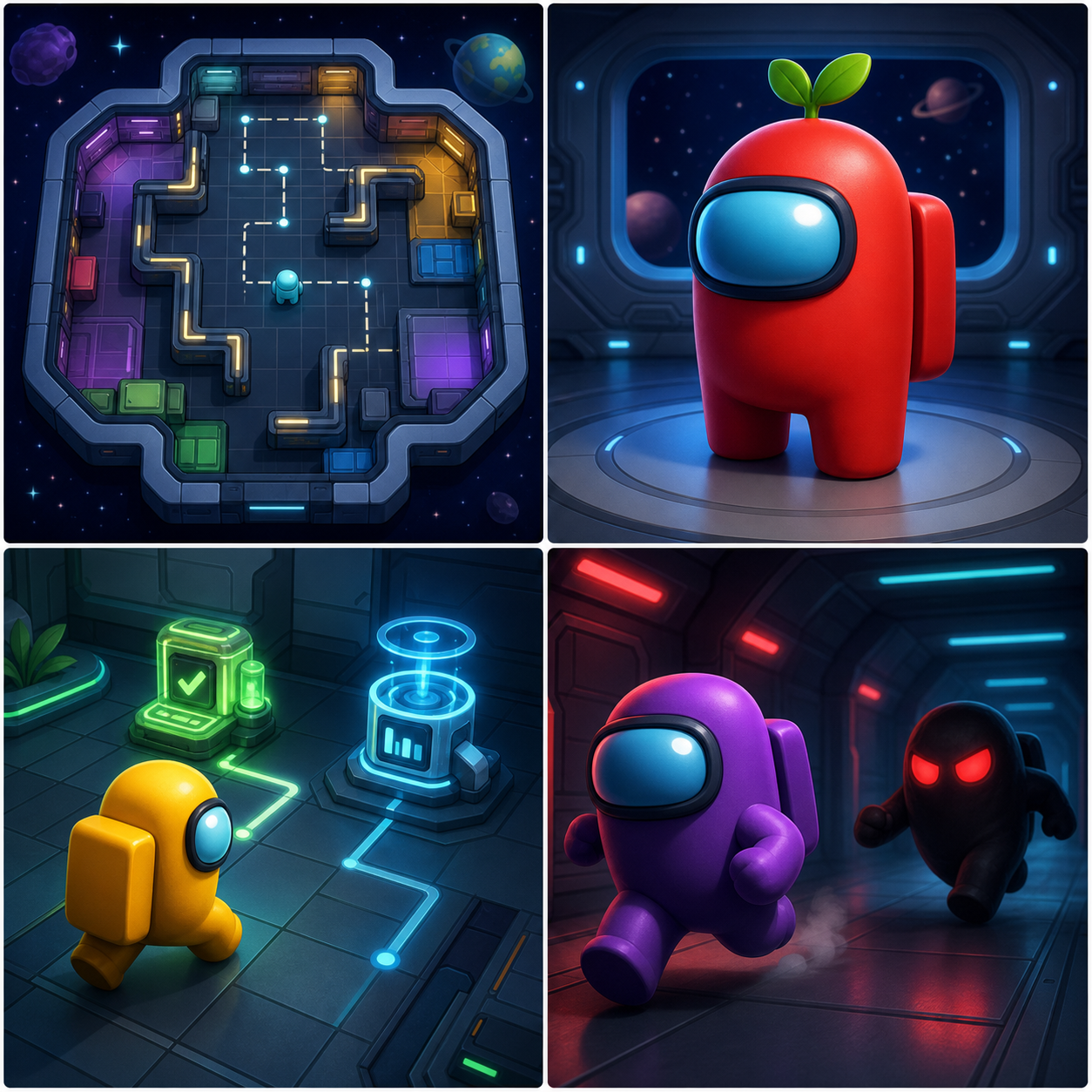
The course uses original generated visuals for polish and reference, but the playable game uses Turtle-coded graphics. That keeps the build reliable in Trinket and makes every visual part explainable as code.
These generated images set the style target. Students build the playable version with Turtle code in Trinket.
Who this is for
This course is for first-time Python students. Students should be comfortable typing short code blocks and testing often, but they do not need previous Python experience.
The goal is not to memorize syntax. The goal is to build a game, understand why each piece exists, and leave with code the student can explain.