Stage 5: It Has Skills
named skill functions and a help command
how to write your own functions and call them from the loop
a tidy assistant whose loop reads like a menu of skills
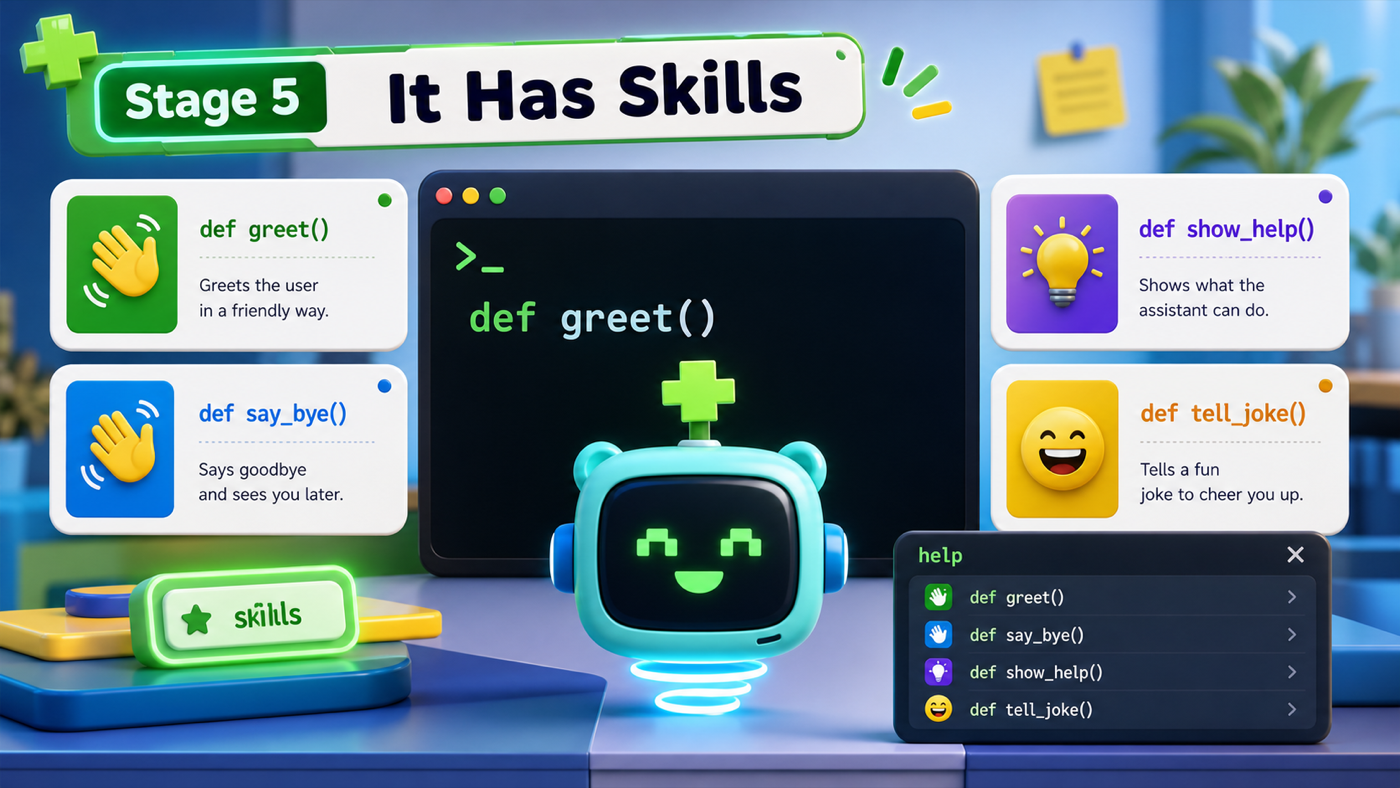
The big idea
Your command loop works, but imagine ten more skills crammed inside it — it would be a wall of code. This stage we clean it up by giving each skill its own function.
You've already used functions: speak is one, and you've called it many times. Now you'll write your own. A function groups some lines under a name so you can run them whenever you want. Defining a skill once and calling it by name keeps the loop short and readable — the loop becomes a list of what the assistant can do, while each function holds the how.
A function can take an input in parentheses, called a parameter. speak(text) has one — text. We'll give our greet function a name parameter so it can say your name.
- def
- The keyword that defines a new function: def greet(): starts a skill called greet.
- parameter
- An input a function takes, written in its parentheses — like text in def speak(text).
- call
- To run a function by writing its name with parentheses, like greet(name).
Make sure you finished Stage 4: It Keeps Listening — your command loop should run until you type quit.
Build it
Step 1 — Turn each reply into a skill function
We'll move each command's reply into its own function, defined near the top of the file (under speak). Functions must be defined before the loop that calls them.
Name the skills
Before you type, name the three skills you're about to write. Good names make the loop read like plain English.
Need a hint?
A skill's name should say what it does: greet, say_bye, show_help. The greet skill takes a name parameter so it can use it.
assistant.py
Where it goes: Put these function definitions right under your speak function, above the greeting and the loop.
greet takes a name; say_bye and show_help take nothing. show_help lists what the assistant can do.
def greet(person):
    speak(f"Hello again, {person}!")


def say_bye():
    speak("See you later!")


def show_help():
    speak("I can do: hello, bye, help, and quit.")
Step 2 — Call the skills from the loop
Now each elif body becomes a single, readable function call. Add a help command too, so the assistant can explain itself.
Pass the name along
The greet function has a parameter called person. When you call it in the loop, how do you give it the user's name?
Check your thinking
greet(name) — you pass the name variable into the parentheses, and inside the function it arrives as person.
assistant.py
Where it goes: Replace the inside of your while loop with this version. The quit check stays the same.
Each branch is now one clean call. The loop reads like a menu.
while True:
    command = input("> ")

    if command == "quit":
        speak("Goodbye for now!")
        break
    elif command == "hello":
        greet(name)
    elif command == "bye":
        say_bye()
    elif command == "help":
        show_help()
    else:
        speak("I don't know that one yet. Type help.")
Run it. It behaves the same as before — but now type help and the assistant lists what it can do. Look at your loop: each line says what happens, and the details live in the functions above. That's the tidiness payoff.
Understand it
Nothing your assistant does changed this stage — but how your code is organized did, and that matters just as much. The loop went from a wall of replies to a clean menu of skill names. When you add jokes next stage, you'll write a tell_joke() function and add one tidy elif — instead of stuffing more lines into an already-crowded loop.
The help command is a small thing with a big payoff: a program that can describe itself is far friendlier than one you have to guess at. Notice it also keeps you honest — if you add a skill but forget to mention it in show_help, users won't know it exists. Good assistants tell you what they can do.
Try this
Try this
Three short experiments. Predict before you run, then test your guess.
What happens if you call greet() with empty parentheses, forgetting the name? Predict the error, then try it. (Functions with a parameter expect you to fill it.)
Write a new skill def joke(): speak("Why did the computer squeak? Someone stepped on its mouse!") and wire up an elif command == "joke":. Compare how easy that was versus adding code straight into the loop.
Your joke skill tells the same joke every time. How could the assistant pick a different joke each time so it never gets boring? (Stage 6 uses a list and randomness.)
Test your stage
Stuck? Compare carefully
assistant.py
Where it goes: Compare this against your whole file. Use it only if your program won't run.
This is the full file at the end of Stage 5.
import subprocess


def speak(text):
    print(text)
    subprocess.run(["say", text])


def greet(person):
    speak(f"Hello again, {person}!")


def say_bye():
    speak("See you later!")


def show_help():
    speak("I can do: hello, bye, help, and quit.")


speak("Hi! My name is Pixel.")

name = input("What is your name? ")
speak(f"Nice to meet you, {name}!")
speak(f"Type commands, {name}. Type help to hear what I can do.")

while True:
    command = input("> ")

    if command == "quit":
        speak("Goodbye for now!")
        break
    elif command == "hello":
        greet(name)
    elif command == "bye":
        say_bye()
    elif command == "help":
        show_help()
    else:
        speak("I don't know that one yet. Type help.")
- Every command works the same as before.
- Typing
helpmakes the assistant list its skills out loud. - Your functions are defined above the loop that calls them.
- Design check. Read your loop top to bottom. Does each branch read like a clear sentence — "if hello, greet"?
- From memory. Without looking, write a function called
cheerthat speaks "You've got this!" Did you start it withdef cheer():and indent the body?
If it breaks
NameError: name 'greet' is not defined. Python read your loop before it reached the function. Move all yourdefblocks above the greeting and the loop.TypeError: greet() missing 1 required positional argument. You calledgreet()with empty parentheses. It needs the name:greet(name).IndentationErrorinside a function. The lines that belong to a function must be indented under itsdefline.helpdoes nothing. Check that theelif command == "help":branch callsshow_help()and that the function name matches exactly.