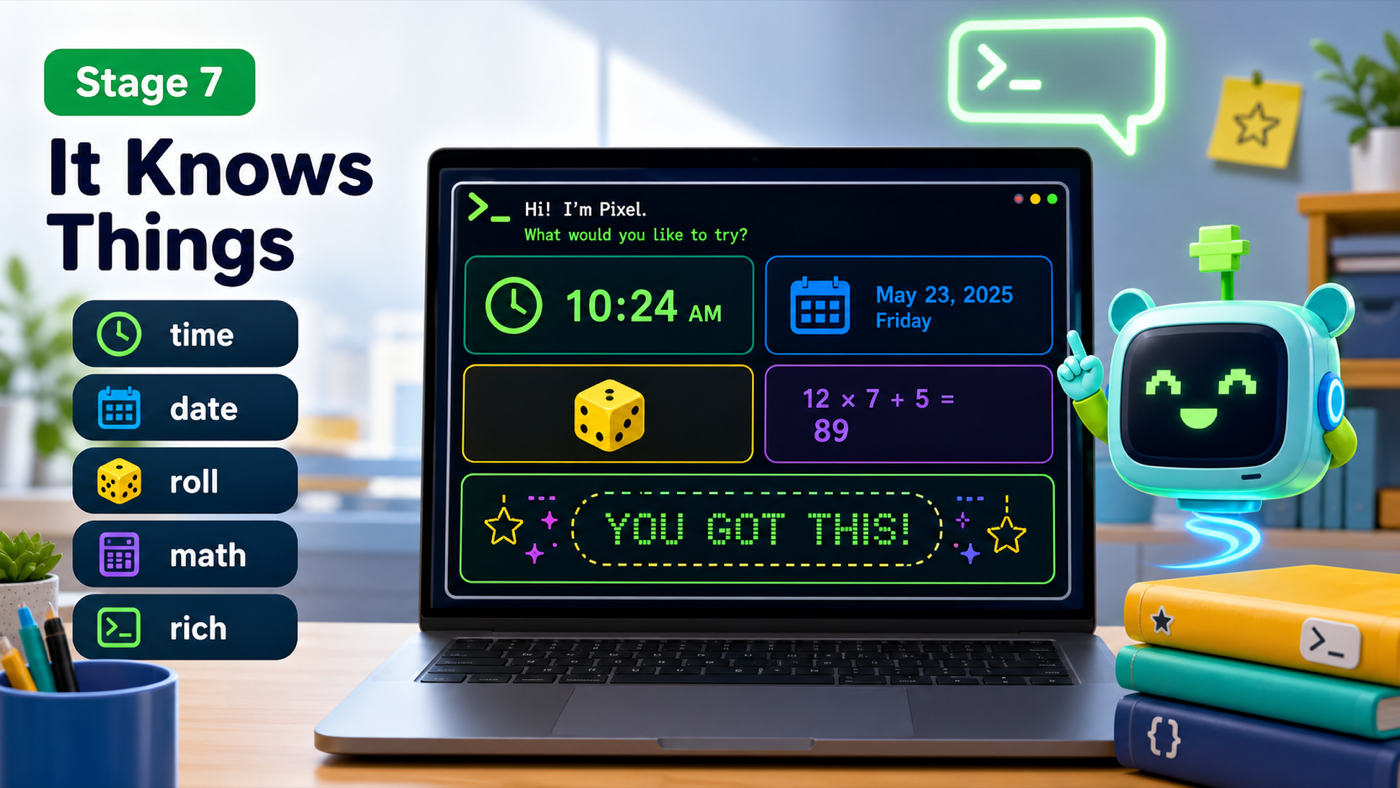
Stage 7: It Knows Things
time, date, dice, and math skills, plus a colorful look
how Python's built-in modules and the rich package add real powers
an assistant that knows the real time and looks like a real app
The big idea
Your assistant tells jokes you wrote, but it can't yet tell you anything real — like the actual time. This stage we plug into Python's toolboxes.
A module is a toolbox of ready-made code you bring in with import. You already used random. Now we add two more that come free with Python: datetime (the real date and time) and math (real calculations). This is the course promise made literal — no supercomputer, just standard libraries that are already on your Mac.
We also bring in our first installed package, rich, to make the terminal colorful. We grab its Console — think of it as the assistant's fancy printer — and use it to print a startup banner and a colored menu, so your program finally looks like an app, not a plain wall of text.
- datetime
- A built-in module that knows the real current date and time.
- math
- A built-in module for real calculations, like math.sqrt for square roots.
- rich / Console
- An installed package for colorful terminal output. console.print() adds color.
Make sure you finished Stage 6: It Tells Jokes, and that uv add rich requests ran back in Setup — we use rich for the first time here.
Build it
Step 1 — Import the new toolboxes
Add three imports at the top, then create one Console so we can print in color.
assistant.py
Where it goes: At the top of the file, add these under your existing imports. Then add the console line below the imports.
datetime and math come with Python. rich was installed by uv in Setup.
import subprocess
import random
import datetime
import math
from rich.console import Console


console = Console()
Step 2 — Add the knowing skills
Each new skill is a small function, just like before. datetime tells the real time and date; random.randint rolls a die; math.sqrt does a real square root.
Trace the time skill
datetime.datetime.now()asks the Mac for the exact moment right now..strftime("%I:%M %p")turns that into readable text like "03:45 PM".speak(...)says it out loud.
assistant.py
Where it goes: Add these four functions with your other skill functions, above the loop.
These use the modules you just imported. do_math asks for a number, then takes its square root.
def tell_time():
    now = datetime.datetime.now()
    speak("The time is " + now.strftime("%I:%M %p") + ".")


def tell_date():
    today = datetime.date.today()
    speak("Today is " + today.strftime("%A, %B %d") + ".")


def roll_dice():
    number = random.randint(1, 6)
    speak(f"You rolled a {number}.")


def do_math():
    number = input("Square root of what number? ")
    answer = math.sqrt(float(number))
    speak(f"The square root of {number} is {answer}.")
Step 3 — Give it a colorful look and wire up the skills
Replace the plain "Hi! My name is Pixel." intro with a rich banner, update show_help to print its menu in color, and add the four new commands to the loop.
Why a Console?
We print the banner with console.print instead of plain print. What does rich's Console give us that plain print doesn't?
Check your thinking
Color and style. console.print understands tags like [bold green]...[/bold green] and paints the text, so the assistant looks like a real app.
assistant.py
Where it goes: Replace your show_help function with this colorful version, and replace the single 'Hi! My name is Pixel.' line with the two banner lines plus a spoken hello.
console.print paints the screen; speak still handles the voice.
def show_help():
    console.print("[bold cyan]I can do:[/bold cyan] hello, bye, joke, time, date, roll, math, help, quit")
    speak("Here are my commands. They're on the screen.")
assistant.py
Where it goes: Replace the old 'Hi! My name is Pixel.' line (just above 'name = input(...)') with these three lines.
Two colored banner lines, then a spoken hello.
console.print("[bold green]==== PIXEL ====[/bold green]")
console.print("[cyan]Your Python assistant is online.[/cyan]")
speak("Hi! I'm Pixel, your assistant.")
assistant.py
Where it goes: Add these four branches inside the loop, before the help branch.
Four new skills, four tidy calls.
    elif command == "time":
        tell_time()
    elif command == "date":
        tell_date()
    elif command == "roll":
        roll_dice()
    elif command == "math":
        do_math()
Run it. You get a colorful banner, and now time, date, roll, and math all work — with the time and date being the real, actual ones. Your assistant just stopped being pretend and started knowing real things about the world.
Understand it
The big leap here is that your assistant now uses information it didn't have written into it. The time changes every second, and your code reads it fresh each time you ask. That's the power of modules: datetime is a toolbox the Python team already built and tested, so you get the real time with one line instead of writing a clock from scratch.
We added rich for a reason beyond looking nice: a program that's pleasant to look at is one people actually want to use. We kept rich for the display (banner and menu) and left speak in charge of the voice — each tool doing the one job it's best at. That separation keeps the code clean as it grows.
Try this
Try this
Three short thinking checks. Use evidence from the stage you just built.
Run the time command, wait one minute, and run it again. Will the answer be different? Predict, then test. Why is this different from a joke?
Change a banner color from green to magenta or yellow. Compare how the assistant feels with a different color scheme. Pick one that matches its personality.
Right now time only works if you type exactly time. What if someone types "what time is it?" Your assistant would be stumped. (Stage 8 teaches it to understand messy sentences.)
Test your stage
Stuck? Compare carefully
assistant.py
Where it goes: Compare this against your whole file. Use it only if your program won't run.
This is the full file at the end of Stage 7.
import subprocess
import random
import datetime
import math
from rich.console import Console


console = Console()


def speak(text):
    print(text)
    subprocess.run(["say", text])


def greet(person):
    speak(f"Hello again, {person}!")


def say_bye():
    speak("See you later!")


def show_help():
    console.print("[bold cyan]I can do:[/bold cyan] hello, bye, joke, time, date, roll, math, help, quit")
    speak("Here are my commands. They're on the screen.")


jokes = [
    "Why did the computer go to the doctor? It caught a virus!",
    "Why was the math book sad? It had too many problems.",
    "What do you call a bear with no teeth? A gummy bear!",
    "Why do programmers prefer dark mode? Because light attracts bugs!",
]


def tell_joke():
    joke = random.choice(jokes)
    speak(joke)


def tell_time():
    now = datetime.datetime.now()
    speak("The time is " + now.strftime("%I:%M %p") + ".")


def tell_date():
    today = datetime.date.today()
    speak("Today is " + today.strftime("%A, %B %d") + ".")


def roll_dice():
    number = random.randint(1, 6)
    speak(f"You rolled a {number}.")


def do_math():
    number = input("Square root of what number? ")
    answer = math.sqrt(float(number))
    speak(f"The square root of {number} is {answer}.")


console.print("[bold green]==== PIXEL ====[/bold green]")
console.print("[cyan]Your Python assistant is online.[/cyan]")
speak("Hi! I'm Pixel, your assistant.")

name = input("What is your name? ")
speak(f"Nice to meet you, {name}!")
speak(f"Type commands, {name}. Type help to hear what I can do.")

while True:
    command = input("> ")

    if command == "quit":
        speak("Goodbye for now!")
        break
    elif command == "hello":
        greet(name)
    elif command == "bye":
        say_bye()
    elif command == "joke":
        tell_joke()
    elif command == "time":
        tell_time()
    elif command == "date":
        tell_date()
    elif command == "roll":
        roll_dice()
    elif command == "math":
        do_math()
    elif command == "help":
        show_help()
    else:
        speak("I don't know that one yet. Type help.")
- A colorful banner appears when the program starts.
-
timeanddatesay the real current time and date. -
rollgives a number from 1 to 6, andmathtakes a square root. - Design check. Do your banner colors match your assistant's personality? Adjust until they feel right.
- From memory. Without looking, write the line that gets the current time. Did you use
datetime.datetime.now()?
If it breaks
ModuleNotFoundError: No module named 'rich'. Two things to check: you ran it withuv run assistant.py(not plainpython), anduv add rich requestsfinished back in Setup. Theuv runpart is what loadsrich.- The banner shows the tags like
[bold green]instead of color. You used plainprintinstead ofconsole.print. Onlyconsole.printunderstands the color tags. mathcrashes with aValueError. Someone typed words instead of a number.float("hello")can't become a number — trymathagain and type digits.AttributeErroron datetime. Usedatetime.datetime.now()for the time anddatetime.date.today()for the date — they're slightly different.