Stage 4: It Keeps Listening
a command loop so the assistant keeps taking commands
how a while loop repeats and how break stops it
an assistant you can talk to over and over until you type quit
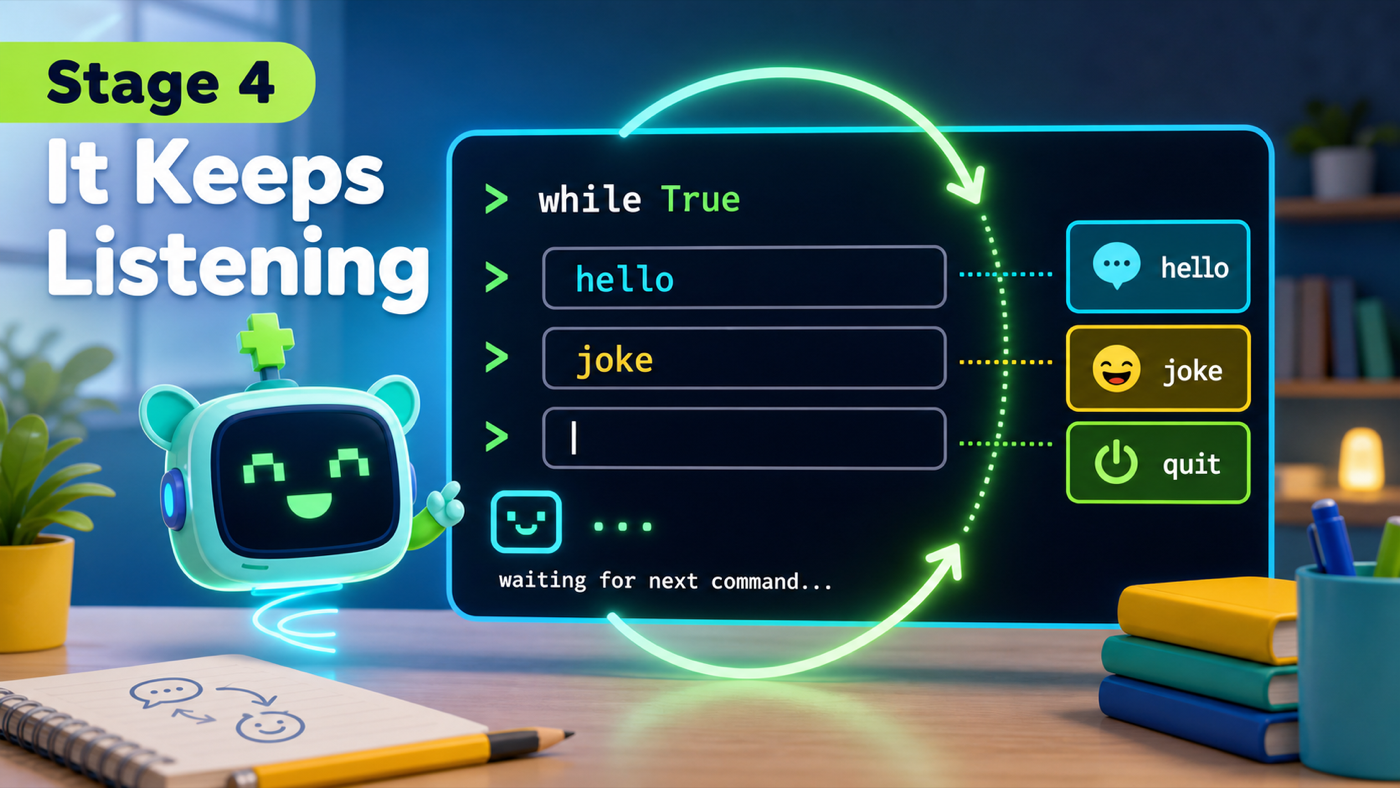
The big idea
Right now your assistant answers exactly one command and then the program stops. A real assistant should keep listening — command after command — until you decide to stop. This is the most important stage in the whole course, because every skill you add later lives inside what you build today.
The tool is a loop — code that repeats. We'll use a while loop. while True: means "keep doing this forever." Everything indented under it runs again and again, from the top, each time around.
Forever sounds scary, so we need an exit. The break keyword breaks out of the loop immediately. We'll break when the user types quit. Every loop you ever write needs a clear way out — so we build the exit first.
- loop
- Code that repeats. A while loop runs the same indented lines over and over.
- while True
- Repeat forever — until something inside the loop stops it.
- break
- Jump out of the loop right now and continue with the program after it.
Make sure you finished Stage 3: It Reacts — your assistant should answer hello and bye.
Show the room how to stop a running program: click the terminal and press Control + C. A while True loop runs until you break out of it or press Control + C. Campers should see that "stuck" is never scary — it's one keystroke away from stopped.
Build it
Step 1 — Wrap the commands in a forever loop
We take the command reading and the if/elif/else you already wrote and tuck them inside a while True: loop. The greeting stays outside — you only need to be greeted once, not every time around.
Trace one trip around the loop
while True:starts a round.command = input("> ")waits for you to type and press Return.- The
if/elif/elsepicks a reply and speaks it. - The loop goes back to the top and asks for the next command.
Step 2 — Build the exit first
Before any other command, give the loop a way out. If the user types quit, we say goodbye and break. Building the exit first means you can always stop your program — no runaway loops.
Why build quit first?
What would happen if your while True loop had no quit and no break?
Check your thinking
It would ask for commands forever with no way to stop except pressing Control + C. That's why we add the quit/break exit before anything else.
assistant.py
Where it goes: Replace your old command + if/elif/else block (from Stage 3) with this loop. Keep the import, speak function, and the name greeting above it.
Notice everything inside the loop is indented one level. The quit check comes first.
speak(f"Type commands, {name}. Type quit to stop.")

while True:
    command = input("> ")

    if command == "quit":
        speak("Goodbye for now!")
        break
    elif command == "hello":
        speak(f"Hello again, {name}!")
    elif command == "bye":
        speak("See you later!")
    else:
        speak("I don't know that one yet.")
Run it. Type hello, then bye, then hello again — it keeps answering. When you're done, type quit and it says goodbye and stops. Your assistant is finally waiting for you instead of running off.
Understand it
That while True loop is the skeleton of your whole assistant. From now on, every new skill — jokes, the time, memory, the internet — is just another elif branch added inside this loop. You will never rebuild this structure; you'll only grow it. That's why we spent a whole stage on it.
We put the quit check at the very top of the loop on purpose. An exit that's easy to find is an exit that actually gets used — by you while testing, and by anyone who runs your program. A loop you can't stop isn't powerful, it's broken.
Try this
Try this
Three short experiments. Predict before you run, then test your guess.
What happens if you type quit with a capital Quit? Predict, then try. (Same capital-letter quirk as before — Stage 8 fixes it.)
Move the break line out from under the quit check so it runs every time. Run it. How many commands can you give before it stops? (Then put break back where it belongs.)
Your loop is getting a tall stack of elif branches. Imagine ten more skills in there. How might you keep each skill's code tidy and named? (Stage 5 packs each one into its own function.)
Test your stage
Stuck? Compare carefully
assistant.py
Where it goes: Compare this against your whole file. Use it only if your program won't run.
This is the full file at the end of Stage 4.
import subprocess


def speak(text):
    print(text)
    subprocess.run(["say", text])


speak("Hi! My name is Pixel.")

name = input("What is your name? ")
speak(f"Nice to meet you, {name}!")
speak(f"Type commands, {name}. Type quit to stop.")

while True:
    command = input("> ")

    if command == "quit":
        speak("Goodbye for now!")
        break
    elif command == "hello":
        speak(f"Hello again, {name}!")
    elif command == "bye":
        speak("See you later!")
    else:
        speak("I don't know that one yet.")
- You can type several commands in a row without the program ending.
- Typing
quitsays goodbye and stops the program. - Typing an unknown command still gives a reply and keeps listening.
- Design check. Is your
quitcheck the first thing inside the loop? It should be the easiest exit to find. - From memory. Without looking, write the two lines that make
quitstop the loop. Did you rememberbreak?
If it breaks
- The program is "stuck" and won't stop. Click the terminal and press Control + C. That's the normal, safe way to stop any running program. If you have no
quit/break, add one. IndentationError. Everything inside the loop must be indented underwhile True:. Theif/elif/elsego one level deeper still.- It stops after one command. Your
breakis running every time, not just onquit. Make surebreakis indented under thequitcheck. - It asks for a command but never speaks. Check that your
if/elif/elselines are inside the loop, lined up under thecommand = input(...)line.