Stage 7: Portal Flip
Stage 7: Portal Flip
Keep your Scratch project tab open all week. Open in a new tab so you don’t leave the course.
a portal that changes gravity rules
how one mode variable can reshape controls
a level twist that feels surprising but readable
- Paint or use a Portal sprite.
- Create gravityMode and set it to normal on green flag.
- When Cube touches Portal, switch gravityMode to flipped.
- Change the jump script so flipped gravity pulls upward instead of downward.
The big idea
A portal is a rule changer. The sprite looks like an object, but its real job is to switch a variable that the movement code reads.
- mode
- the current version of the rules
- portal
- an object that changes the player's mode
- gravity flip
- making the cube fall in the opposite direction
- state variable
- a variable that remembers what mode the game is in
Stage 6 should be done. Score and time should work.

Students may follow these examples or draw their own versions in Scratch. Keep the sprite names from the lesson.
Follow the target shapes shown here so your scripts match the lesson quickly.
Draw a custom cube, spikes, portal, or backdrop in Scratch. Keep the same sprite names so the code still works.
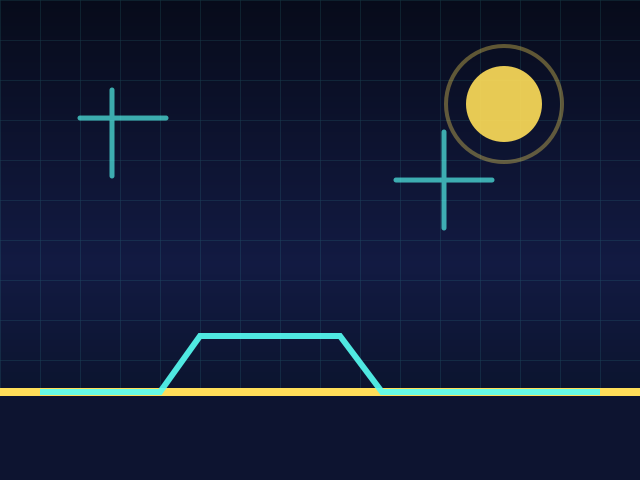

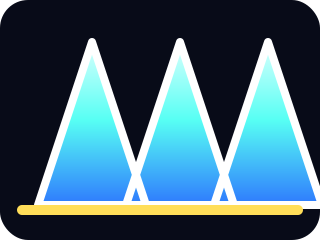
The cube stays near the left side while the level scrolls toward it. Jump timing is the whole game.
Build it
- Make a Portal sprite and place it on the right side.
- Create gravityMode for all sprites.
- Set gravityMode to normal when the game starts.
- When Cube touches Portal, set gravityMode to flipped and hide the portal.
- Update the gravity part of the jump loop so it uses the mode.
Portal mode switch
when green flag clicked
set [gravityMode v] to [normal]

forever
if <<touching [Portal v] ?> and <(gameOn) = (1)>> then
set [gravityMode v] to [flipped]
set [gravity v] to (1)
set [ySpeed v] to (0)
end
end
gravityMode
Understand it
Do not duplicate the whole movement script for the portal. Keep one movement system and let gravityMode change the values it uses.
Try this
Try this
Three short experiments. Predict before you run, then test your guess.
Test your stage
- Portal is named Portal exactly.
- Touching Portal sets gravityMode to flipped.
- Gravity changes after portal contact.
- The portal effect happens once per run.
If it breaks
- If gravity feels chaotic, reset ySpeed when the mode changes.
- If the portal triggers over and over, hide it or move it after touching.
Keep students moving on the default path first. Custom assets are encouraged, but the required names and variables are not optional. If debugging takes more than a few minutes, compare the student's sprite names, variable names, and block order against the stage test list.