Roblox & YouTuber Studio
Roblox camp course
Roblox & YouTuber Studio
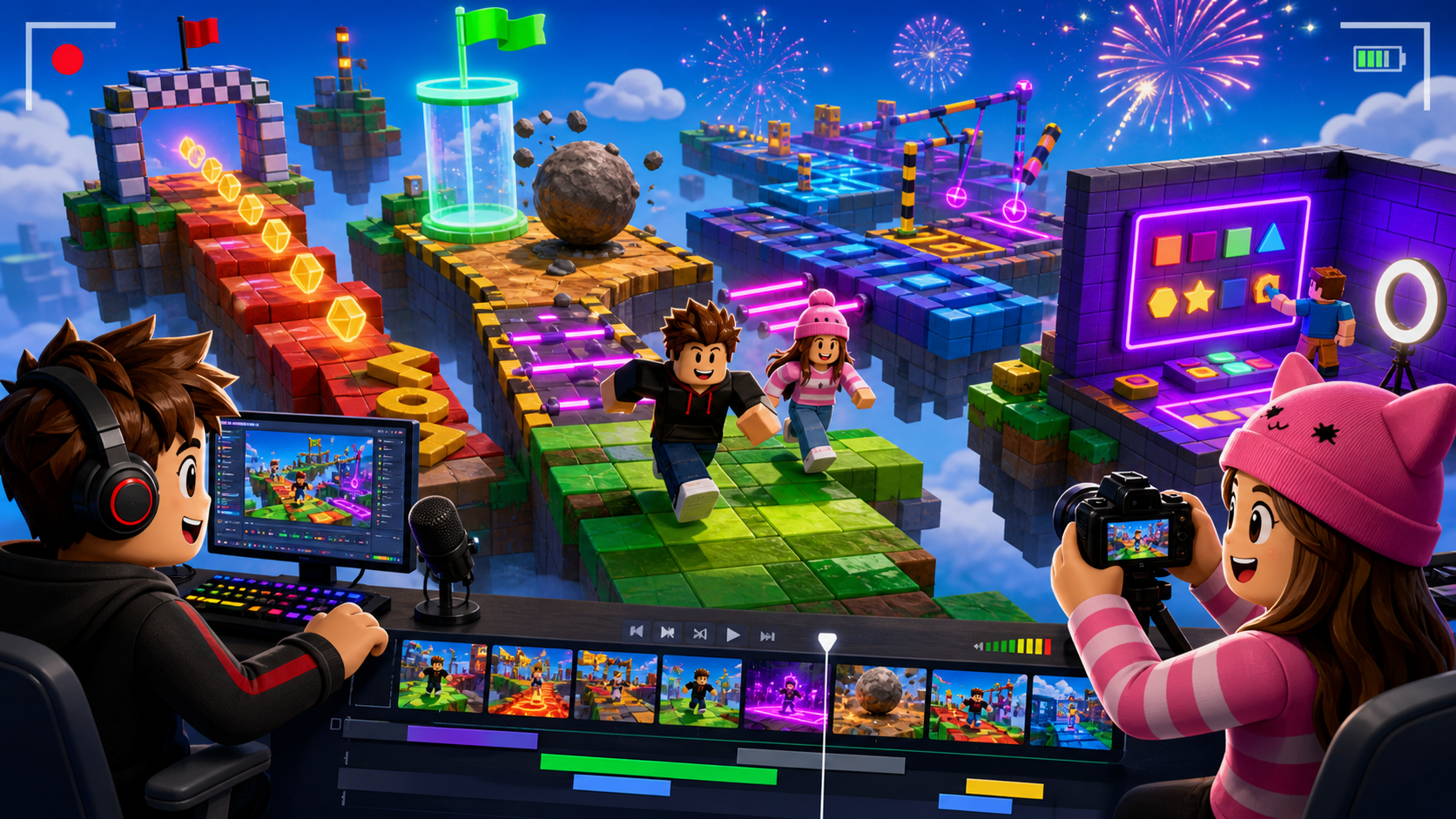
Campers build a Roblox obby, publish it so other kids can play, record short gameplay clips on a Mac, edit them in iMovie, and post through a coach-led camp channel.
 Camper-built, camper-streamed
What campers ship
A real game AND a real video
Campers build the same recognizable obby world, then become creators: they publish their game, record other kids playing it with macOS screen recording, edit the footage in iMovie, and post a finished video through the camp channel. The building has a payoff — an audience.
A published 10-stage Roblox obby
Sound effects and particle juice
An edited gameplay video with staged clips, title, sound, and thumbnail
Creator moments
It looks like a real Roblox YouTuber made it
These moments come from the course build and the creator workflow: campers plan the clip, record the gameplay, trim it into a story, and premiere the finished video.
Mac screen recording
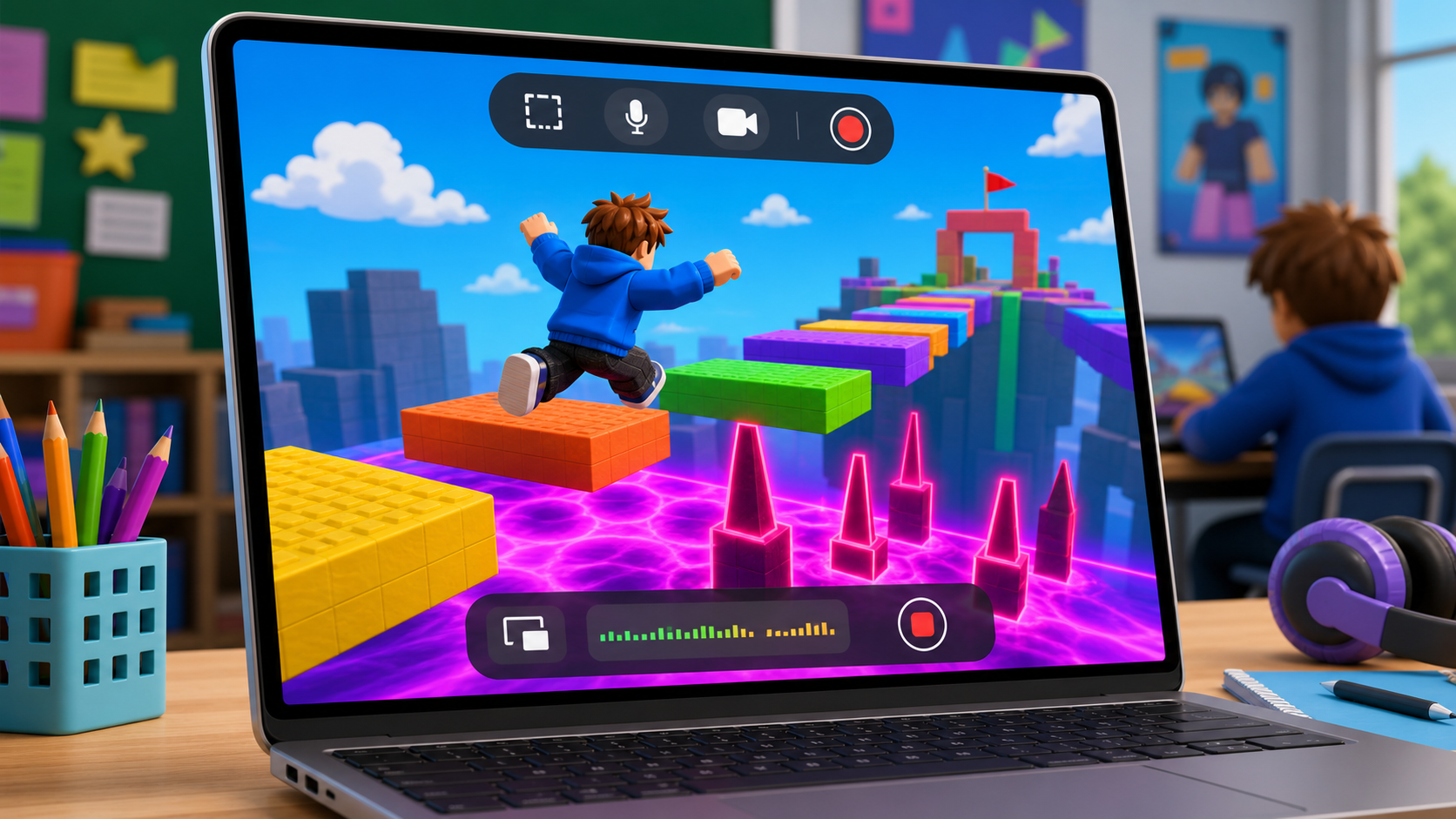
In Stage 8, press Shift + Command + 5, choose Record Selected Portion, save to Roblox YouTuber Clips, and record short highlights.
Learn recording in Stage 8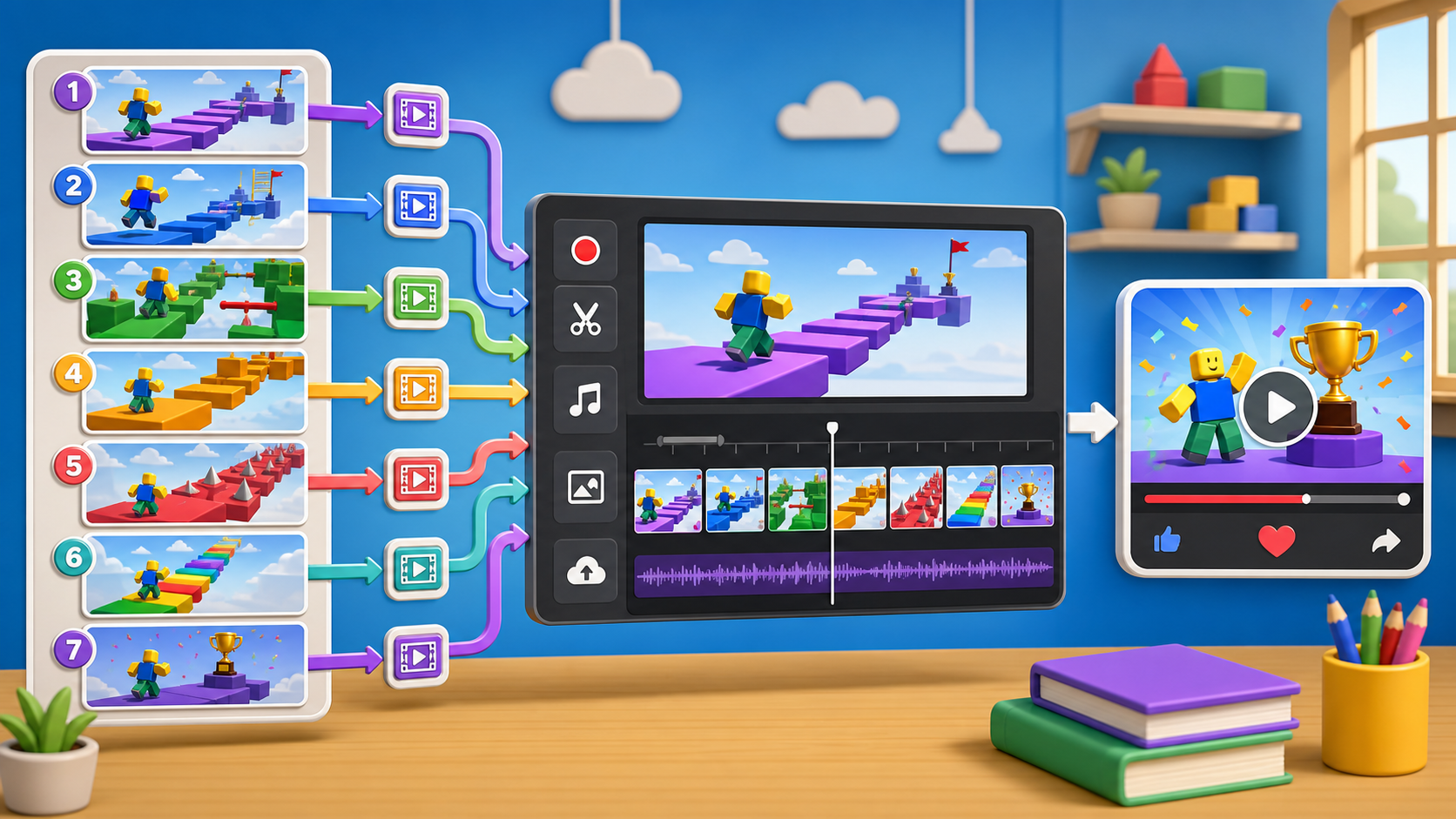
Plan your clips
Stages 1-7 build the best moments first: opening shot, near-miss, surprise fail, final puzzle, and fireworks finish.
See the course path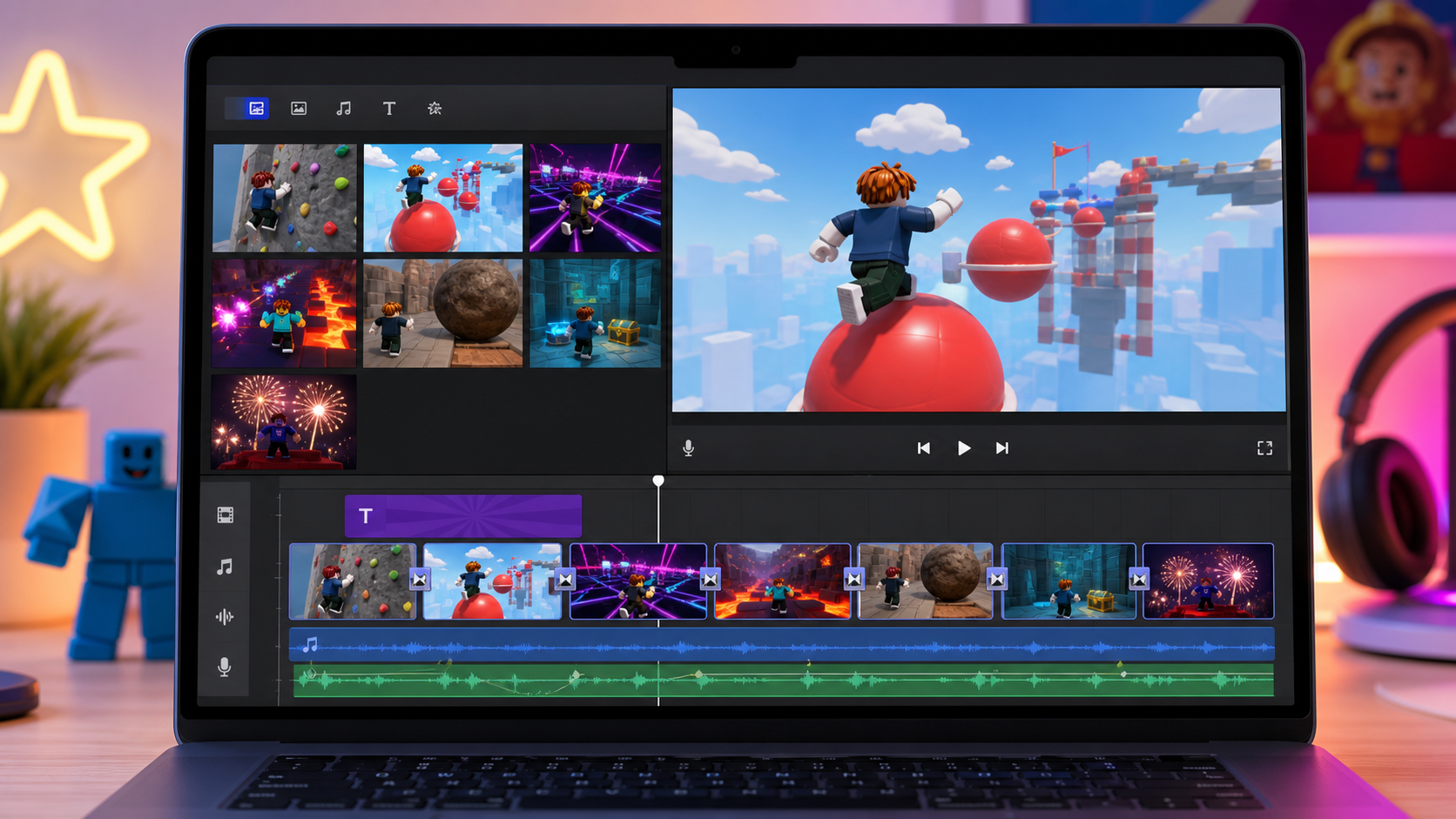
iMovie editing timeline
In Stage 9, campers trim quiet parts, choose a YouTube-style recipe, add sound, and export one finished video.
Edit in Stage 9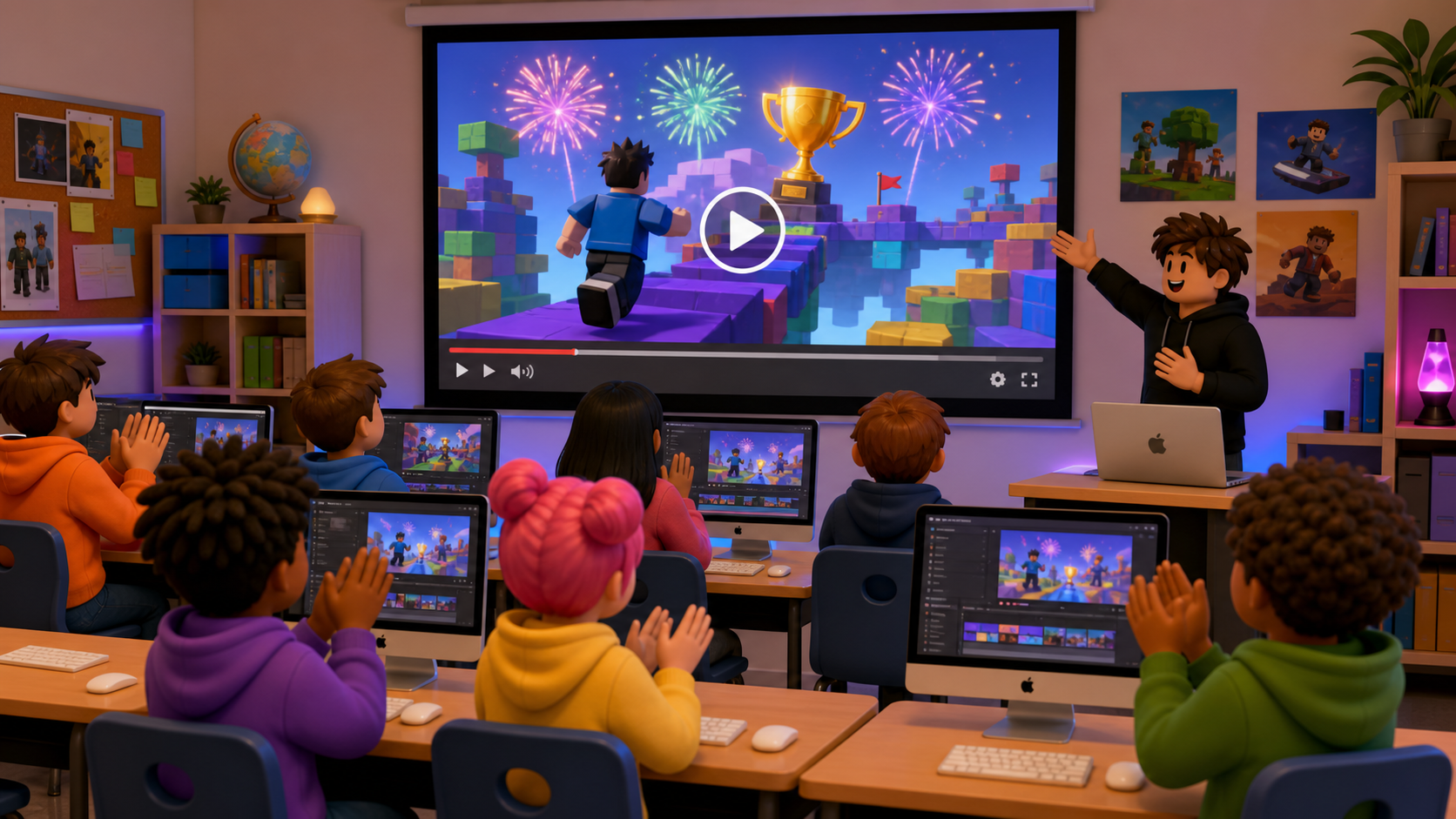
Premiere watch party
In Stage 10, the coach posts the video through the camp channel and runs a room premiere of every finished edit.
Premiere in Stage 10Course path
Build the game, then become the creator
Seven stages build and juice the obby. Three Studio stages publish it, record the gameplay, and post the video. Campers always know which act they are in.
Ascending Walls
Build the first checkpoint climb and name your channel.
Moving wall scriptStage 2Sphere Staircase & Plank Walkway
Add round jumps and a narrow bridge.
Sliding platformsStage 3KillBrick Path
Design a path around danger and add your first sound.
Sound on touchStage 4Fireball Footpath & Hidden Hazard Field
Time the fireballs and read the hidden tiles.
Faster fireballsStage 5Rolling Rocks & Spinning KillBricks
Dodge boulders and spinners, add a sparkle trail.
Custom spin scriptStage 6Kinetic KillWall
Build the moving-wall hallway and mark your best fail clip.
Flickering doorwaysStage 7Puzzle Room & Finish Line
Finish the obby with a puzzle, fireworks, and a party room.
Hidden-clue puzzleStage 8Publish & Playtest Party
Publish your game, swap, and record short Mac clips of each highlight.
Add a leaderboardStage 9Edit in iMovie
Trim clips, add sound, a title card, and a thumbnail.
Add a music trackStage 10Post & Premiere
Post to the camp channel and run a watch party.
Plan a real channelFor camp flow
Build first, then Studio
Stages 1–7 build and plan the clips. Stages 8–10 publish, record on Mac, edit in iMovie, and post through a coach account. Keep the camp channel Unlisted.