Roblox Combat: Anime & RPG Battles
Roblox course · Ages 10–13
Roblox Combat: Anime & RPG Battles
Love games like Blox Fruits and Anime Adventures? Stop just playing and start coding the magic. Build the same 10-stage obby you know, then layer on a Lua-coded combat system: a sword, a flashy fireball power, XP and leveling, health bars, enemy AI, loot, and a boss you defeat to win.
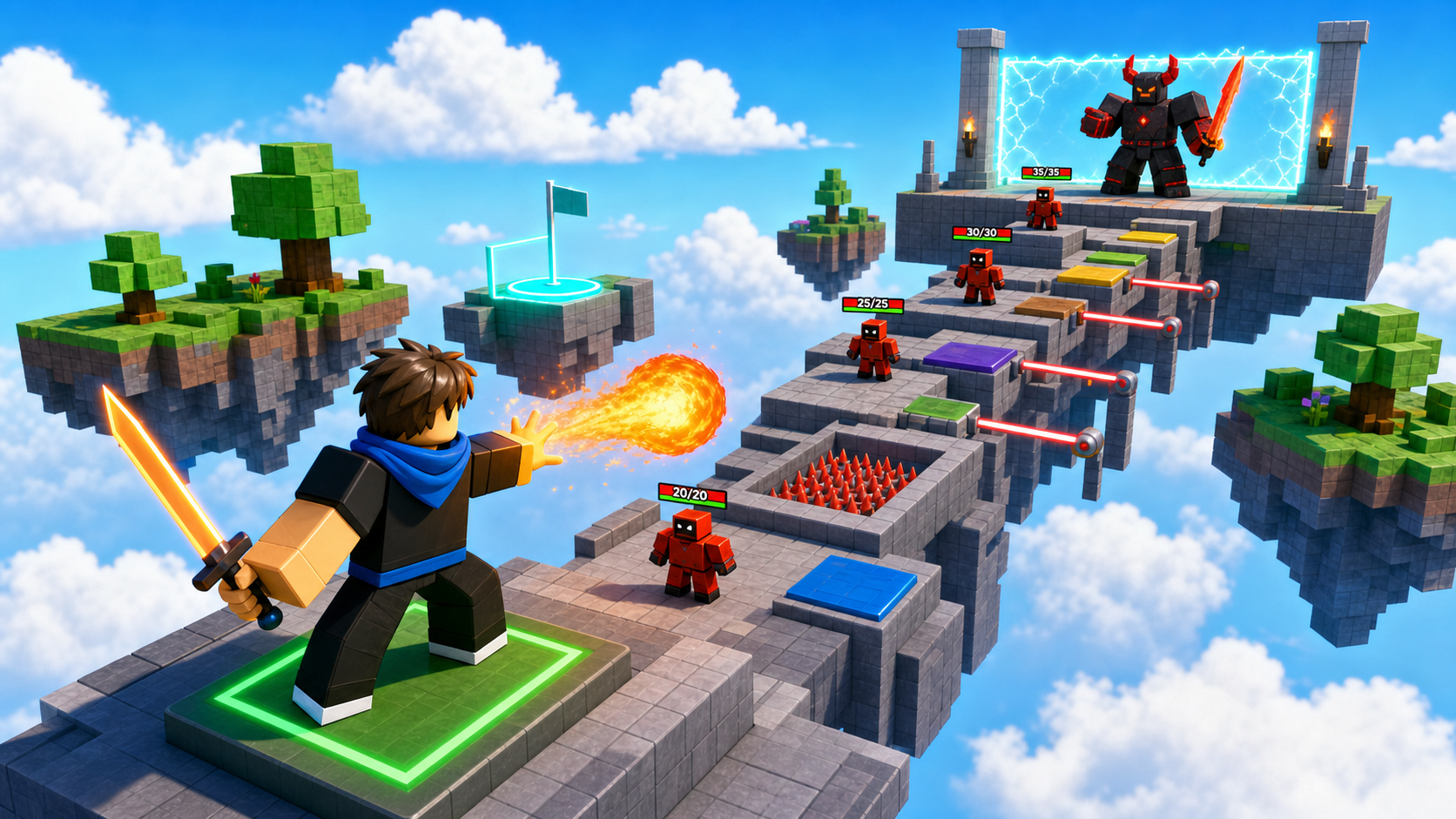 Your obby. Your powers. Your boss.
What you ship
Same obby. Combat layer. Code the power.
Combat takes the obby world you already recognize and turns it into an action-RPG. You build the obby from scratch (same shape as Launch Your Own Obby Game) and weave one combat system in per stage — until the familiar climb becomes a battleground with powers, enemies, and a final boss.
A 10-stage Roblox obby — same shape as the base course, every part built from primitives
A custom sword Tool that every player spawns holding, and a flashy fireball superpower on a keybind
An RPG progression — XP that follows the player and a Level that climbs as they fight
Health bars over every fighter, an enemy that hunts the player, and loot that drops when it falls
A combat-arena wave and a coded boss whose defeat opens the final room
Combat moments
The obby is familiar. The combat is new.
These are the mechanics that make Combat a coding course: a tool, a client-to-server power, server-owned damage, AI movement, runtime loot, and a boss fight.
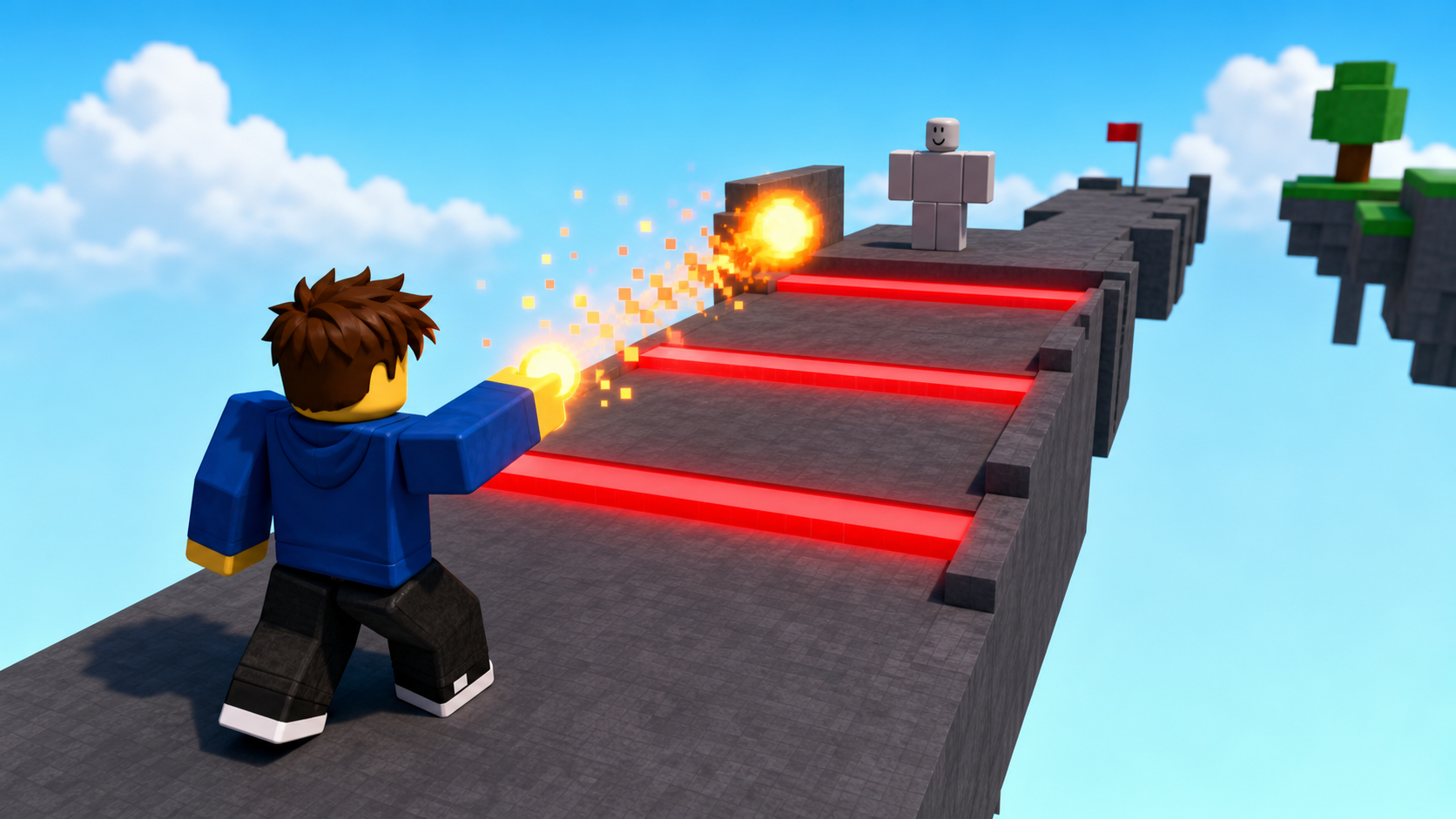
Sword and fireball
Every player spawns with a sword Tool that deals damage on a swing, plus a keybinded fireball that fires a RemoteEvent so the server can spawn the glowing projectile.
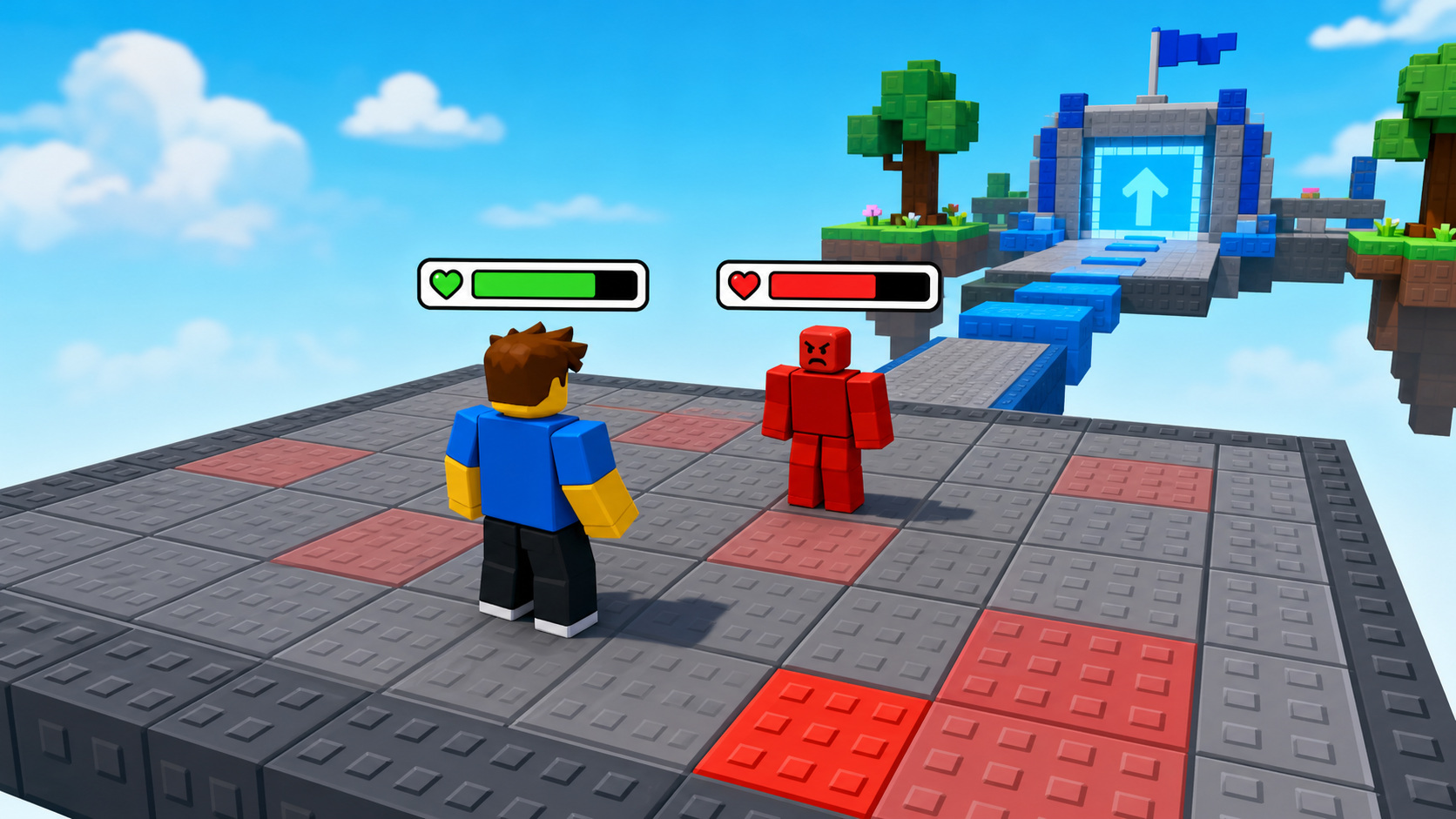
Health bars and enemy AI
A BillboardGui health bar floats over every fighter and tracks Humanoid.Health. An enemy detects the player by distance, chases with MoveTo, and attacks.
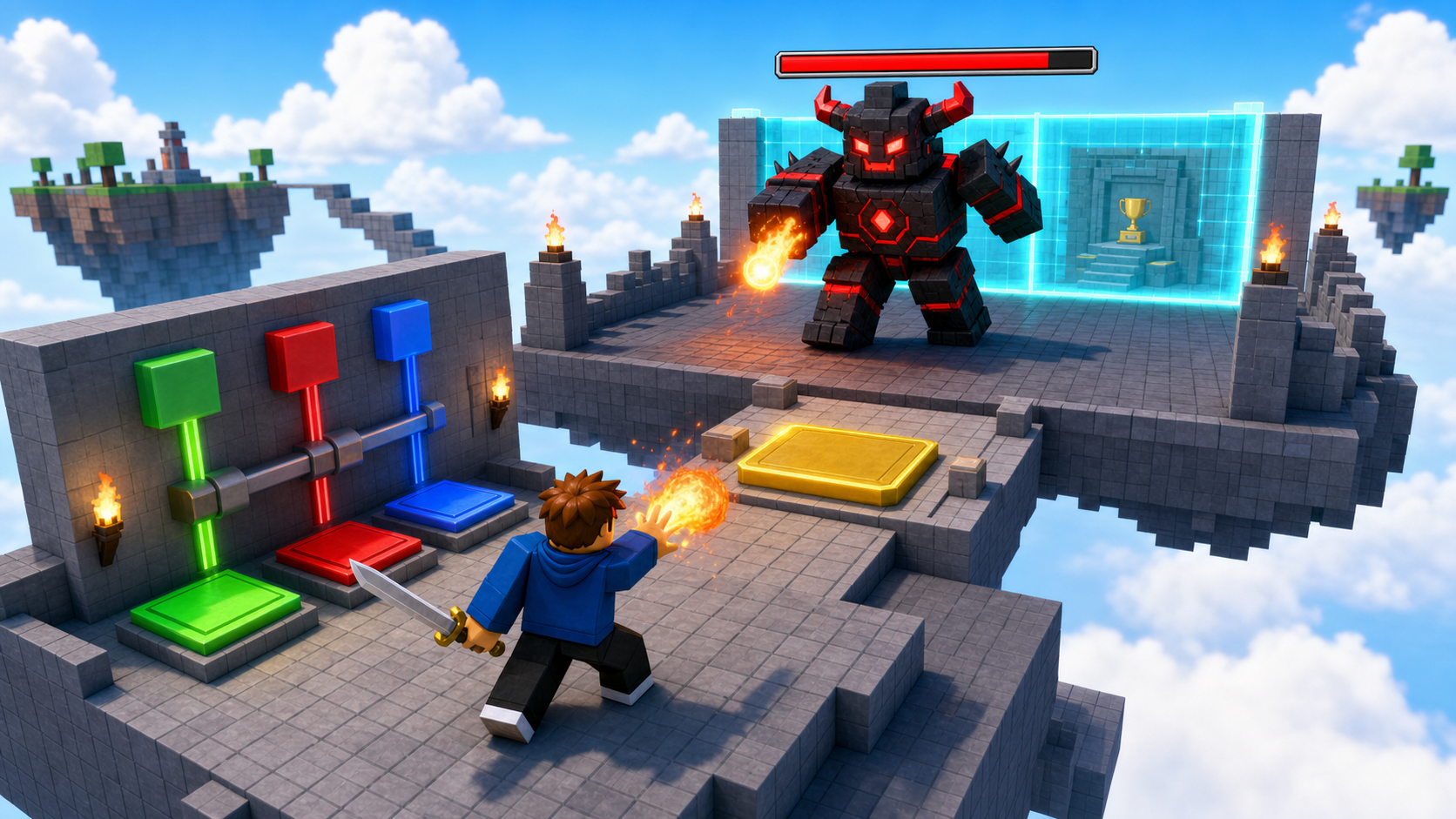
Boss capstone
Stage 10 puts a boss in the ExtensionPad. Defeating it destroys the victory wall and opens the final area — then you publish the game.
Course path
Each stage builds an obby obstacle AND adds a combat system
The obby work is familiar — same hazards as the base course. The combat work is the lesson: a new piece of the battle system lands every stage, on top of the obstacle you just built.
Ascending Walls + your first sword
Build the climbing wall and second checkpoint. Give every spawning player a sword Tool and set up leaderstats with Level and XP.
Print the player's Level and XP to OutputStage 2Sphere Staircase + XP and leveling
Build the sphere climb. Award XP for reaching checkpoints and level the player up when XP crosses a threshold, using one generic loop over the SpawnLocations.
Scale the XP needed per level so each level is harderStage 3Plank Walkway + the sword that bites
Build the plank bridge and a training dummy. Make the sword deal real damage to a Humanoid on a swing, with a per-swing debounce.
Add a critical hit that deals double damage at randomStage 4KillBrick Path + fireball power
Build the KillBrick path. Add a fireball superpower: a LocalScript keybind fires a RemoteEvent and the server spawns a glowing, damaging projectile.
Give the fireball a particle trail and an explosion on hitStage 5Fireball Cannon + cooldowns
Build the cannons as an enemy turret that damages the player, then add a cooldown so the fireball power can't be spammed.
Add an energy bar that drains and refills the powerStage 6Hidden Hazard Field + health bars
Build the hazard field. Put a BillboardGui health bar over every fighter that tracks Humanoid.Health and shrinks as they take damage.
Color the bar from green to red as health dropsStage 7Rolling Rocks + enemy AI
Build the rolling-rocks ramp. Code an enemy that detects the player by distance, chases with MoveTo, attacks, and respawns after it falls.
Give the enemy a patrol route when no player is nearStage 8Spinning KillBricks + loot drops
Build the spinner stage. When an enemy is defeated, drop a loot orb that grants XP and a loot item when the player picks it up.
Add a rare loot orb that drops only sometimesStage 9Kinetic KillWall + combat arena
Build the sliding-wall hallway. Spawn a wave of enemies and keep the SlidingWall closed until the wave is cleared, then open it.
Add a second, harder wave before the wall opensStage 10Puzzle Room + boss and publish
Build the puzzle room and ExtensionPad. Code a boss whose defeat destroys the victory wall and opens the final area, then publish the game.
Give the boss a second phase when its health is lowFor coaches and parents
The combat is the lesson — but the obby is the proof.
Don't let campers skip the obby build to rush to the combat mechanic. The combat scripts only feel meaningful because they're bolted onto an obstacle the kid just built. Server-owned damage and a client-to-server power are real game-dev ideas; the familiar obby is what keeps them from being overwhelming.