Roblox VR Game Lab: Parkour & Physics
Roblox course · Ages 7–10
Roblox VR Game Lab: Parkour & Physics
Become a VR game designer. Build the same 10-stage obby you know, then turn it into a physics parkour playground with jump pads, launchers, low gravity, moving walls, and a final Play-in-VR celebration. Build everything on a normal laptop. If a headset is available, your coach can help you step inside the world at the end.
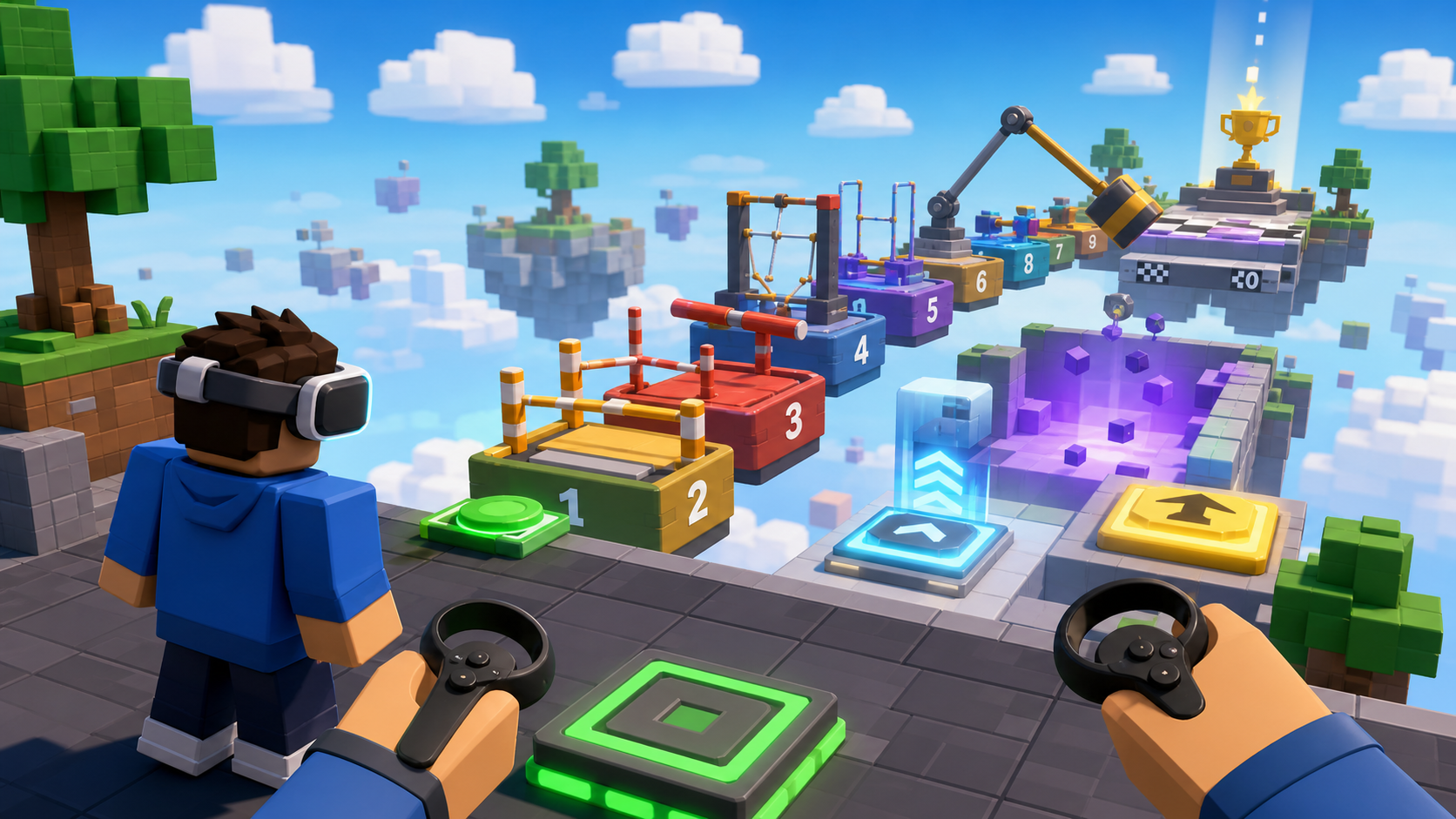 Build on a laptop. Step into VR if you can.
What you ship
Same obby. More motion. Big finale.
VR Game Lab takes the obby world students already recognize and makes it feel alive. Each stage adds one clear parkour idea they can test right away: a jump pad, a launcher, low gravity, a dash, a rolling rock, a spinner, or a puzzle. The VR idea stays inspiring instead of stressful: coaches can demo how the same game might feel in a headset, but students are never blocked by VR hardware or advanced headset code.
A 10-stage Roblox obby — same shape as the base course, every part built from primitives
A physics parkour layer — jump pads, a player launcher, low-gravity zones, dash pads, moving obstacles
Tiny scripts with visible results — touch a pad, launch upward, open a door, spawn a simple boulder
Coach-led VR inspiration moments — optional headset play, no required VR scripting
A published game with a shareable link and a final Play-in-VR celebration area
VR Lab moments
The obby is familiar. The way you move is brand new.
These moments make the course feel like a VR lab without turning it into an advanced scripting class. Students build motion they can see immediately. Coaches can connect that motion to how a headset player would feel it.
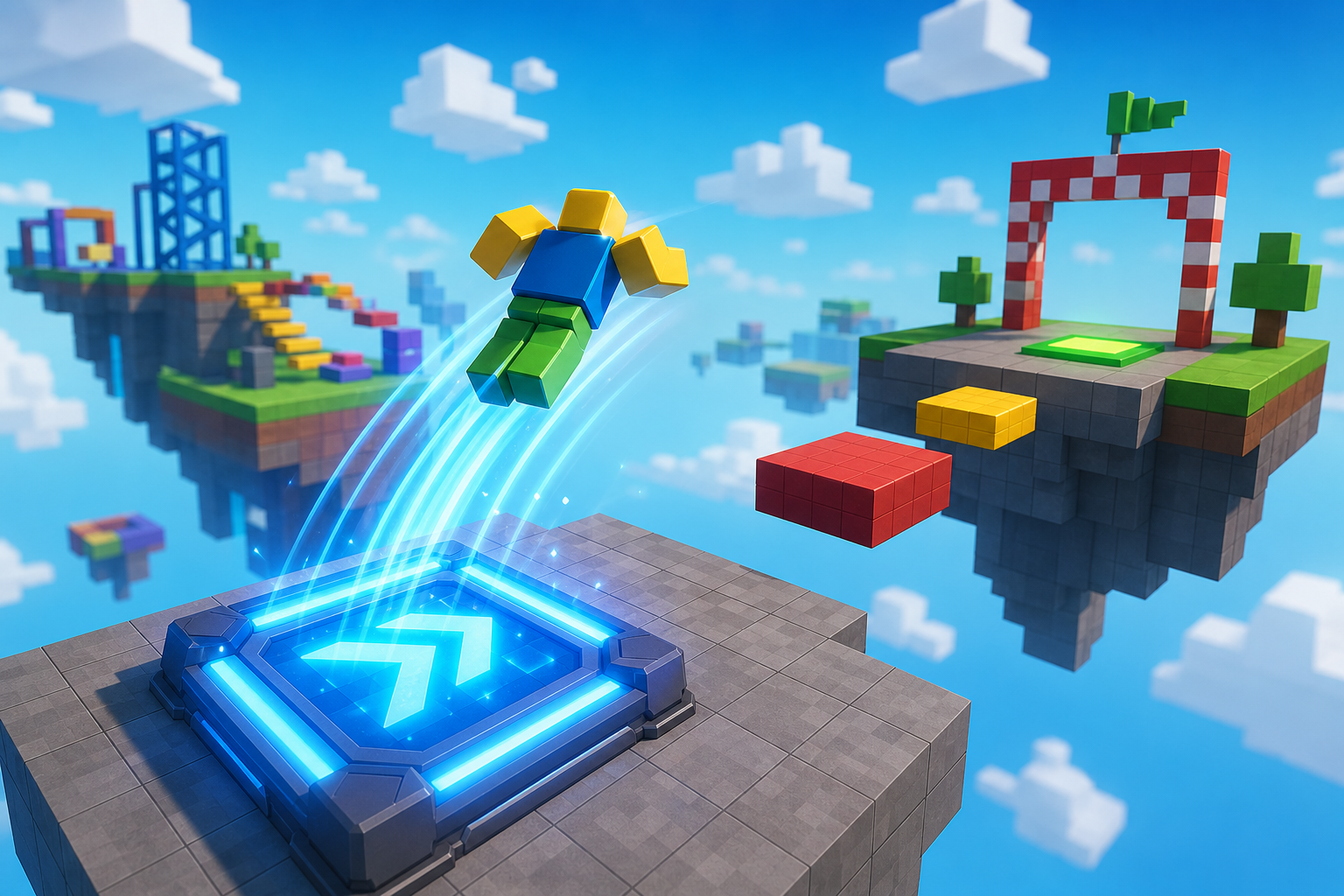
Physics parkour
Launch pads, bounce pads, and a player cannon make the obby feel wild. Students test every motion on a laptop the moment they build it.
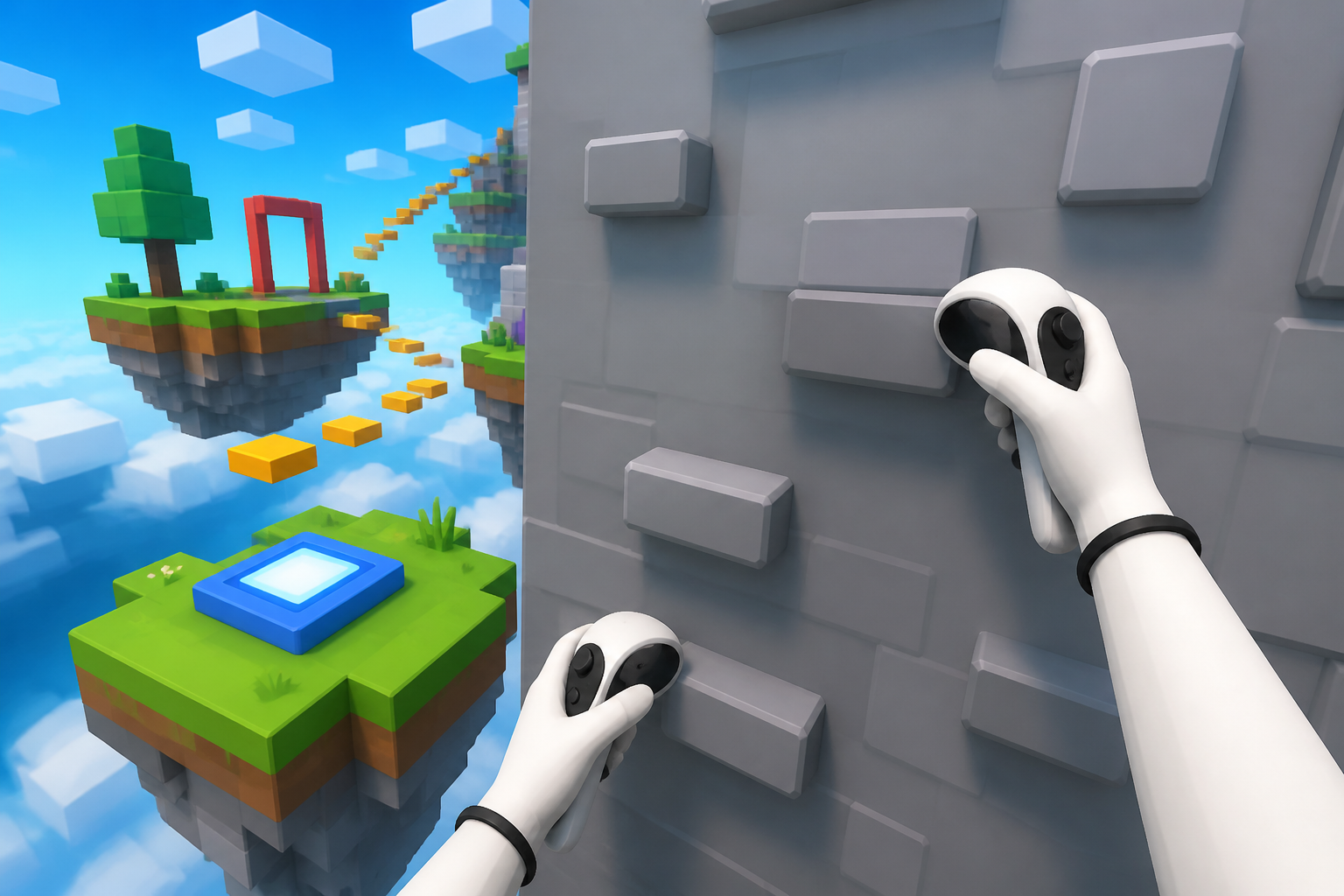
VR imagination
A coach can show how climbing walls, ducking behind cover, and riding the SweepArm would feel in a headset. The required student path stays simple and fun.
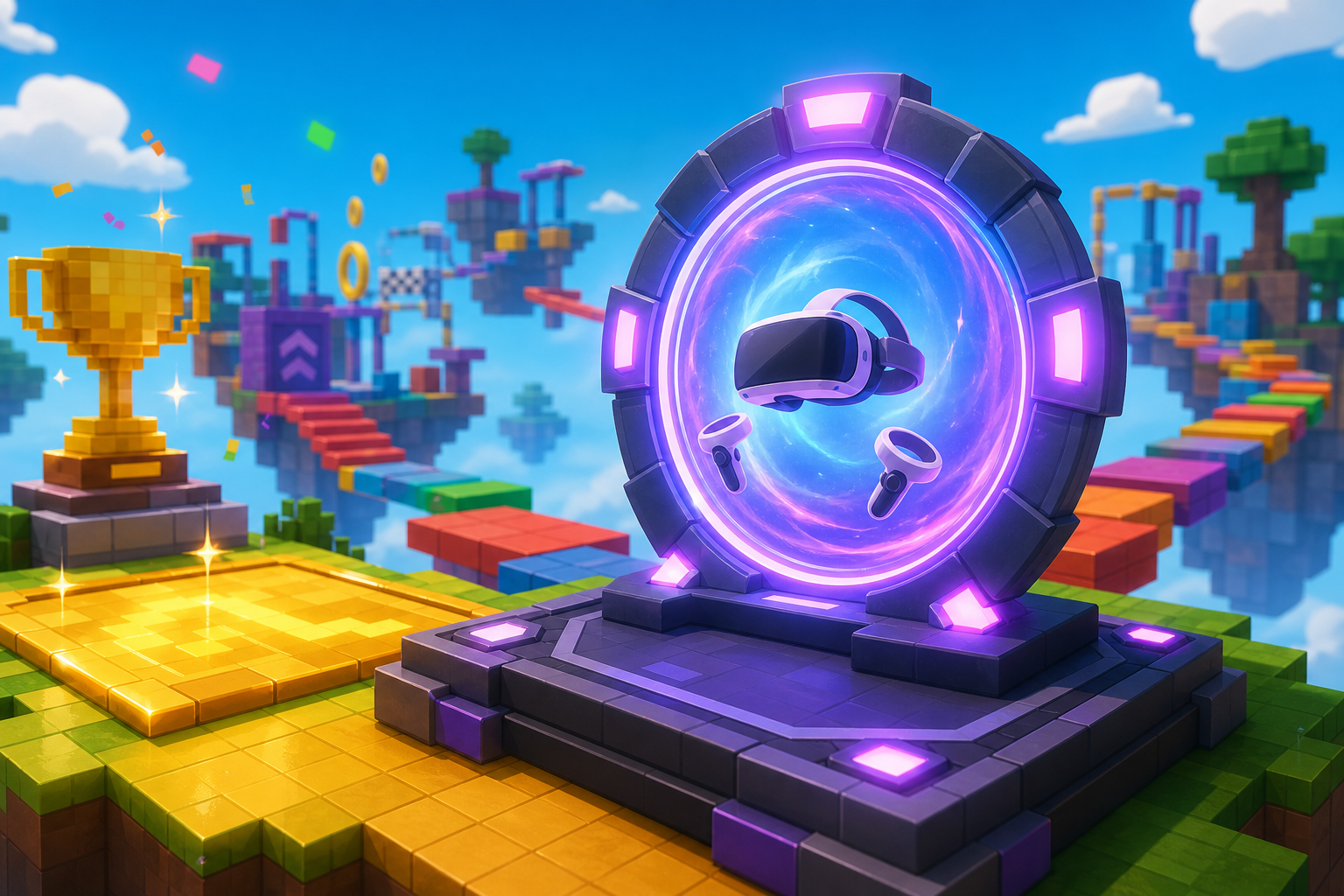
Play it in the headset
Stage 10 turns the ExtensionPad into a Play-in-VR portal. Students publish the game, celebrate the link, and try a headset only if one is available.
Course path
Each stage builds an obby obstacle and one visible motion idea
The obby work is familiar — same hazards, same named parts as the base course. The new layer is motion: jump, float, dash, launch, roll, spin, slide, solve, publish. Advanced VR code is reserved for coach demos and optional stretch work.
Ascending Walls + boost sparkle
Build the climbing wall and checkpoint chain. Add a tiny sparkle script so the first wall feels special.
Coach demo: how VR hands could climb the same wallStage 2Sphere Staircase + jump pad
Build the sphere climb. Add a jump pad that pops the player upward when touched.
Sideways launch padStage 3Plank Walkway + low gravity
Build the plank bridge. Add a low-gravity zone that makes jumps floaty.
Two gravity strengthsStage 4KillBrick Path + dash pad
Build the KillBrick path. Add a dash pad that shoots the player safely across.
Dash cooldownStage 5Fireball Cannon + player launcher
Build the cannon pieces. Rotate the barrel and launch the player where it points.
Moving target padStage 6Hidden Hazard Field + reveal tiles
Build the hidden hazard field. Add simple reveal tiles that change color when touched.
Tiles that hide againStage 7Rolling Rocks + cover
Build the ramp, CoverBlock, and a simple boulder spawner. Tune the rhythm so it feels fair.
Random boulder sizesStage 8Spinning KillBricks + timing
Build the SweepArm spinner. Tune its speed so crossing feels exciting but possible.
Coach demo: how grabbing the arm could work in VRStage 9Kinetic KillWall + ledges
Build the sliding-wall hallway and add ledges as a clever alternate route.
Two walls out of syncStage 10Puzzle Room + publish & play in VR
Build the puzzle room and ExtensionPad. Publish the game and celebrate with a Play-in-VR portal.
Victory particlesFor coaches and parents
Inspire first. Keep the code small.
This younger version is designed for confidence. Every required stage has a visible laptop-tested win before any advanced idea is mentioned. VR stays as the big imaginative frame and an optional coach-led finale. The goal is for students to leave saying, "I made that move," not "the code beat me."